Best Tools to Download TikTok Videos Without Watermark

TikTok has become one of the most influential short-video platforms in the world, inspiring creators, marketers, educators, and casual users alike. However, when you download videos directly from TikTok, the platform automatically adds a watermark containing the TikTok logo and the creator’s username. For users who want clean videos for offline viewing, editing, archiving, or content research, watermark-free downloads are often preferred.
Fortunately, there are many third-party tools available that allow you to download TikTok videos without watermark. In this article, we’ll explore each tool in details and conclude which is the best solution to download TikTok videos without watermark.
1. Best Mobile Apps for Downloading TikTok Videos
Mobile apps are ideal for users who want to save TikTok videos directly to their phones without using a computer.
1.1 SaveTok
SaveTok is one of the most popular mobile solutions for watermark-free TikTok downloads. It works by letting you copy the TikTok link or share the video directly to the app.
Key features:
- Download TikTok videos without watermark
- Simple copy-and-paste workflow
- Save videos directly to your phone gallery
- Often include built-in video managers
Best for: Casual users who want quick downloads on their phone.

1.2 VidJuice UniTube
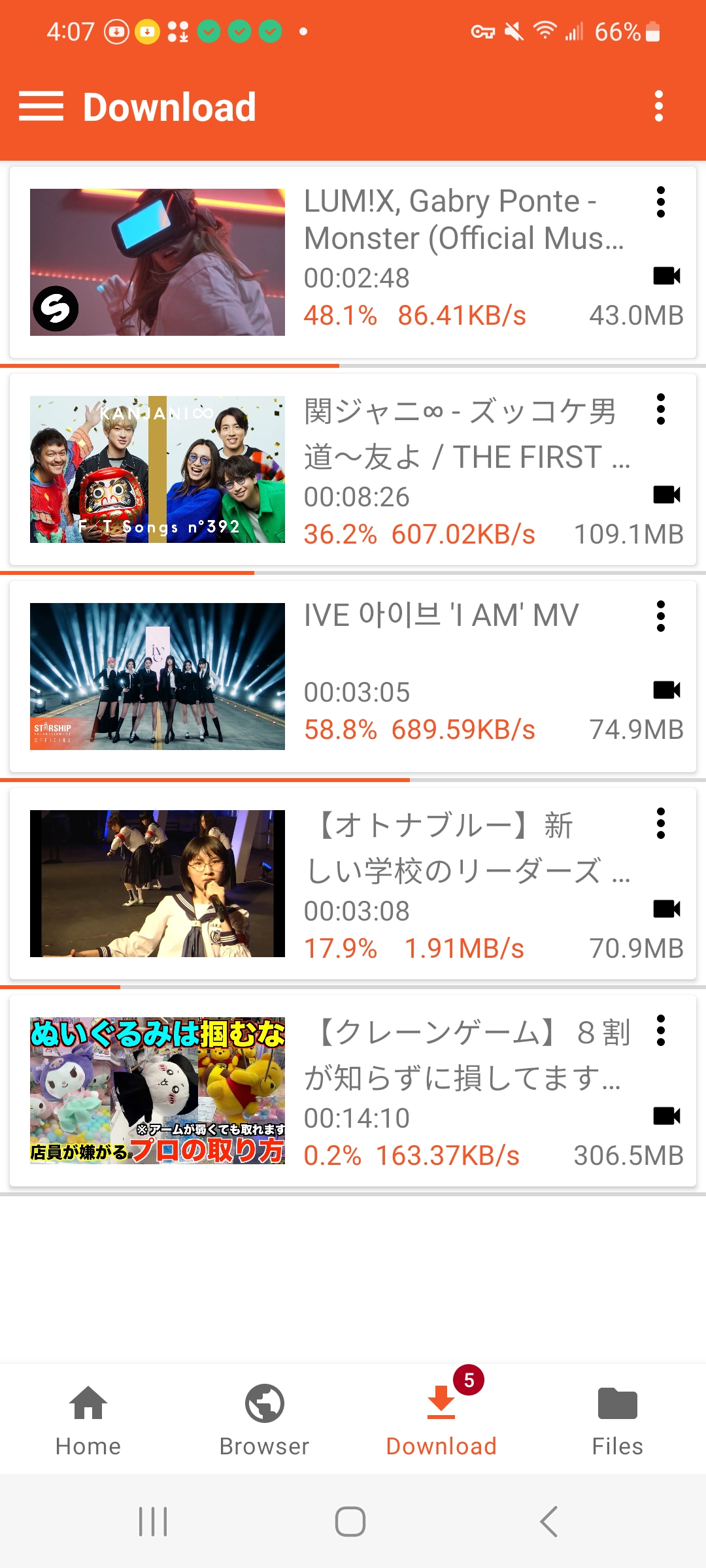
VidJuice UniTube Android version is a multi-platform video downloader that supports TikTok along with many other sites.
Key Features:
- Supports multiple resolutions
- Downloads TikTok videos without watermark
- Can extract audio as MP3
- Includes file management features
Note: Snaptube is not available on Google Play and should only be installed from the official site.
2. Best Online Downloaders to Download TikTok Videos
Online TikTok downloaders are perfect when you don’t want to install software. They work on any device with a browser.
2.1 SnapTik (Web)
SnapTik is one of the most widely used online TikTok downloaders.
Features:
- Download TikTok videos without watermark
- No installation or registration required
- Works on mobile and desktop browsers
- Supports HD video downloads
Best for: Fast, one-off downloads on any device.

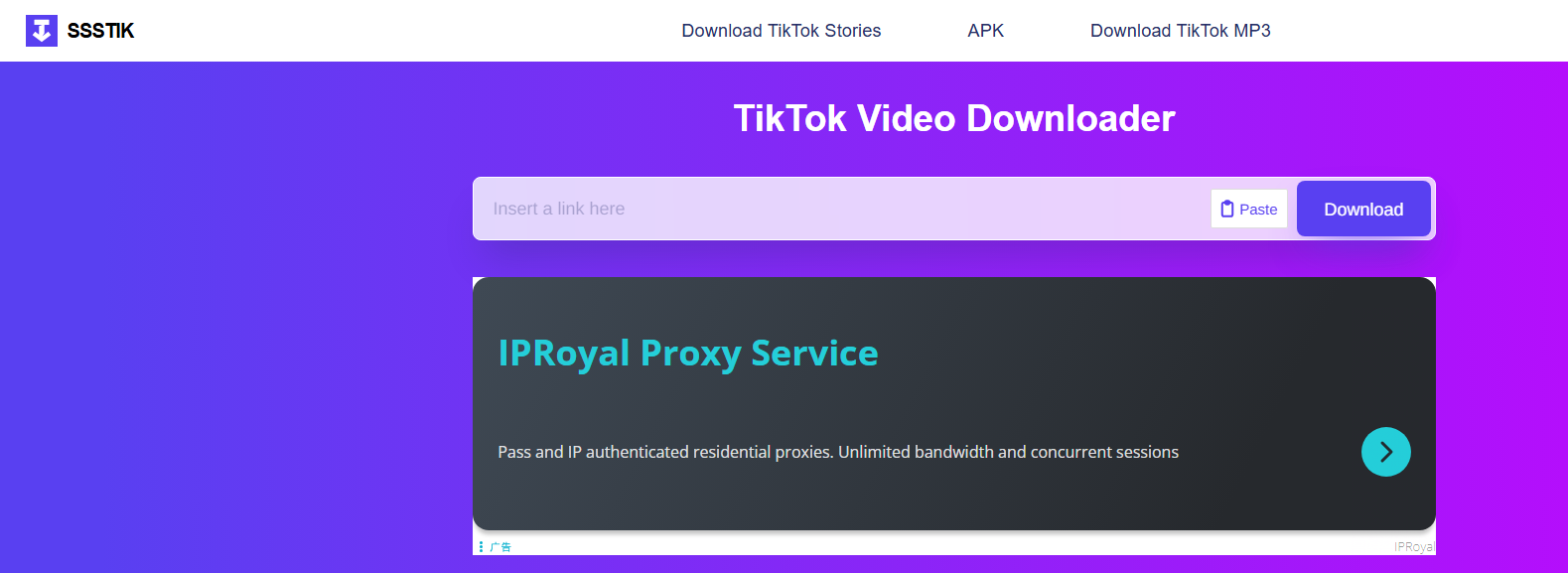
2.2 SSSTik
SSSTik is another reliable web-based tool with a clean interface.
Why users like it:
- Watermark-free MP4 downloads
- Optional audio extraction
- Compatible with iOS, Android, Windows, and macOS
2.3 SaveTT / TikDown / Tiker.io
These online tools work similarly: paste a TikTok link and download the video without watermark.
Advantages:
- Extremely simple to use
- No software installation
- Good for occasional downloads
Limitations:
- No bulk downloading
- Dependent on internet speed and site availability

3. Best Browser Extensions to Download TikTok Videos
Browser extensions allow you to download TikTok videos directly while browsing TikTok on your computer.
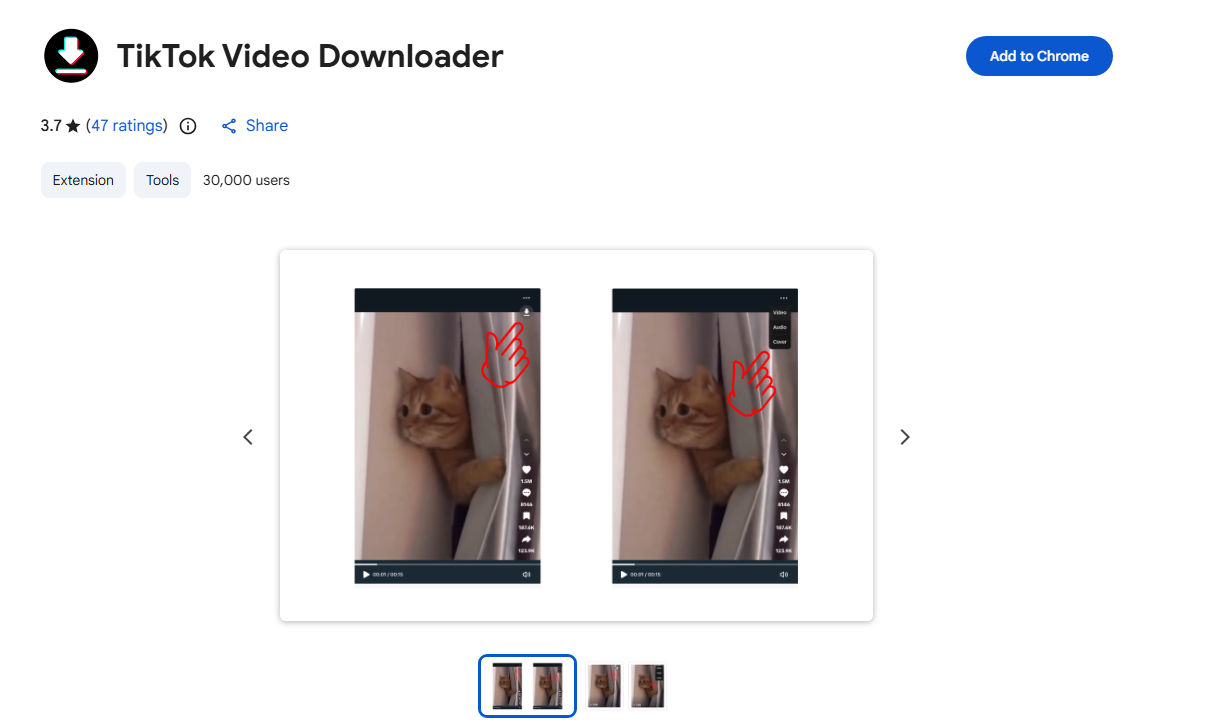
1. TikTok Video Downloader Extensions
This extension adds a “Download” button directly on TikTok video pages.
Features:
- One-click downloads
- Works directly on TikTok’s website
- No need to copy links manually
Drawbacks:
- Limited bulk download support
- Extensions may break when TikTok updates its site
- Privacy concerns if using untrusted extensions
3.2 myfaveTT
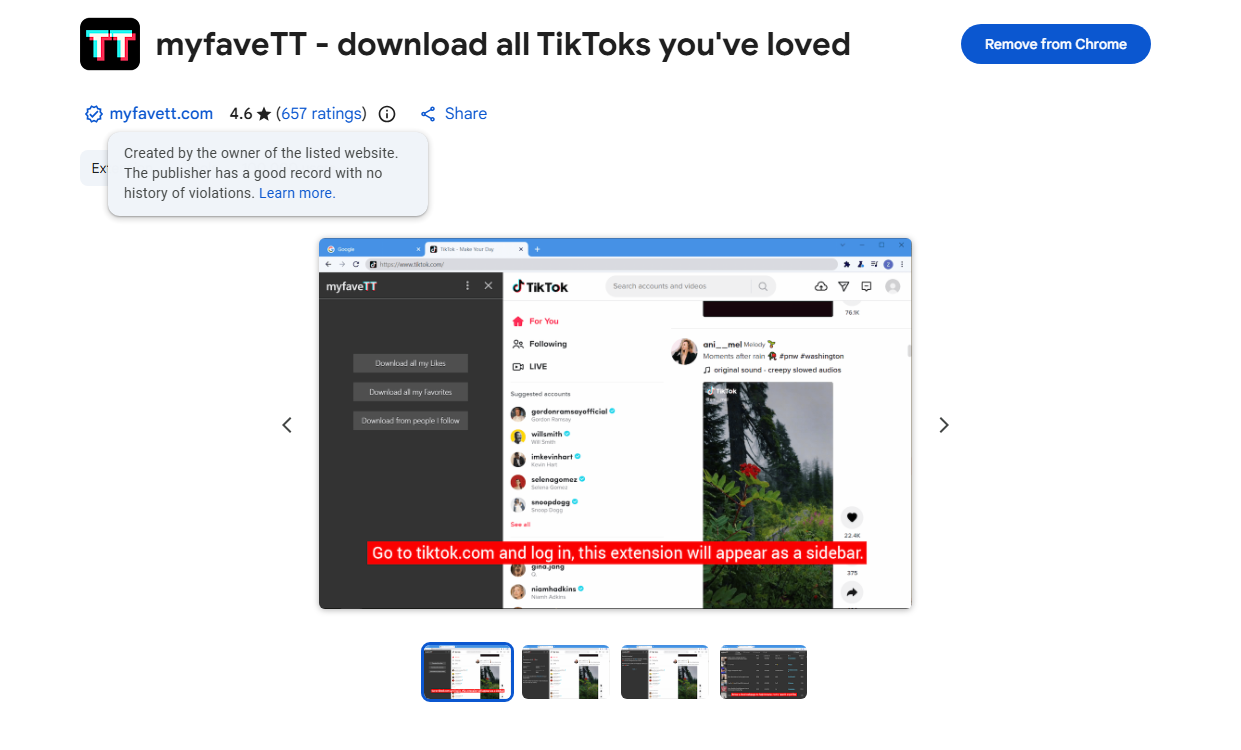
myfaveTT is a Chrome extension designed to help you export TikTok videos you’ve interacted with — including liked videos, favorites, and videos from accounts you follow — into MP4 files on your computer.
Highlights:
- Download all your liked, favorited, or followed videos from TikTok in one go.
- Choose a local folder on your computer as the destination for downloads.
- Works while browsing TikTok.com on desktop (Chrome).
Best for: Users who want to archive or back up collections of TikTok videos they’ve liked or favorited, rather than just individual clips.
4. Best Desktop Software to Download TikTok Videos Without Watermark
Desktop software is the best choice for users who need stability, speed, and bulk downloading. This is where Tikget truly stands out.
Tikget is a professional desktop TikTok downloader designed specifically for users who want to download TikTok videos and photos in bulk without watermark. Unlike mobile apps or browser tools, Tikget provides a robust desktop-level experience with higher performance and advanced features.
Key features of Tikget:
- Save TikTok videos and photos without watermark.
- Download multiple videos, entire profiles, or photo slideshows at once.
- Preserve HD resolution and original media quality.
- Choose target photos based on types and formats.
- More stable, faster, and more reliable than web tools or extensions.
How to use Tikget to download TikTok videos without watermark:
- Install Tikget on your Windows or macOS computer.
- Open Tikget, choose output format, resolution and file folder.
- Log in TikTok inside Tikget, then find and play the video you want to download.
- Click the download button to add the video to the download list, and Tikget will start downloading all the tasks without watermark to your computer.

Bonus: If you also wish to download pictures, just scroll the page and make Tikget extract pictures, then you can filter files and download with one-click.

5. Conclusion
There are many ways to download TikTok videos without watermark, and each type of tool serves a different purpose. Mobile apps and online downloaders are convenient for quick, occasional downloads, while browser extensions work well for saving videos directly while browsing TikTok on desktop. However, these solutions often come with limitations such as lower stability, lack of bulk downloading, or inconsistent performance.
For users who need a reliable, high-quality, and bulk download solution, Tikget clearly stands out. As a professional desktop TikTok downloader, Tikget allows you to download videos and photos without watermark in original HD quality, supports entire profiles and slideshows, and offers faster, more stable performance than web tools or extensions. If you regularly work with TikTok content and want full control and efficiency, Tikget is the best choice.