Can Stacher Download Twitter Videos?

Twitter (now officially called X) has become one of the most popular platforms for sharing short videos, viral clips, GIFs, and high-quality images. From breaking news and sports highlights to educational content and entertainment, users often want to save Twitter/X videos for offline viewing, content archiving, or reposting (with proper credit).
However, Twitter/X does not provide a built-in download option for videos or photos. As a result, many users turn to third-party tools such as online downloaders, browser extensions, and desktop software. One tool that frequently comes up in discussions is Stacher, a graphical interface for the powerful command-line downloader yt-dlp.
This article answers a common question: Can Stacher download Twitter videos? We’ll explain whether it works, how to use it step by step, its limitations, and finally introduce a more powerful alternative to download Twitter media in bulk.
1. Can Stacher Download Twitter Videos?
Yes, Stacher can download Twitter/X videos, but with some important conditions.
Stacher itself is not a downloader engine. Instead, it is a GUI (graphical user interface) for yt-dlp, an advanced open-source video downloader that supports hundreds of websites, including Twitter/X. When Stacher is correctly installed and paired with an up-to-date version of yt-dlp, it can successfully extract and download Twitter videos.
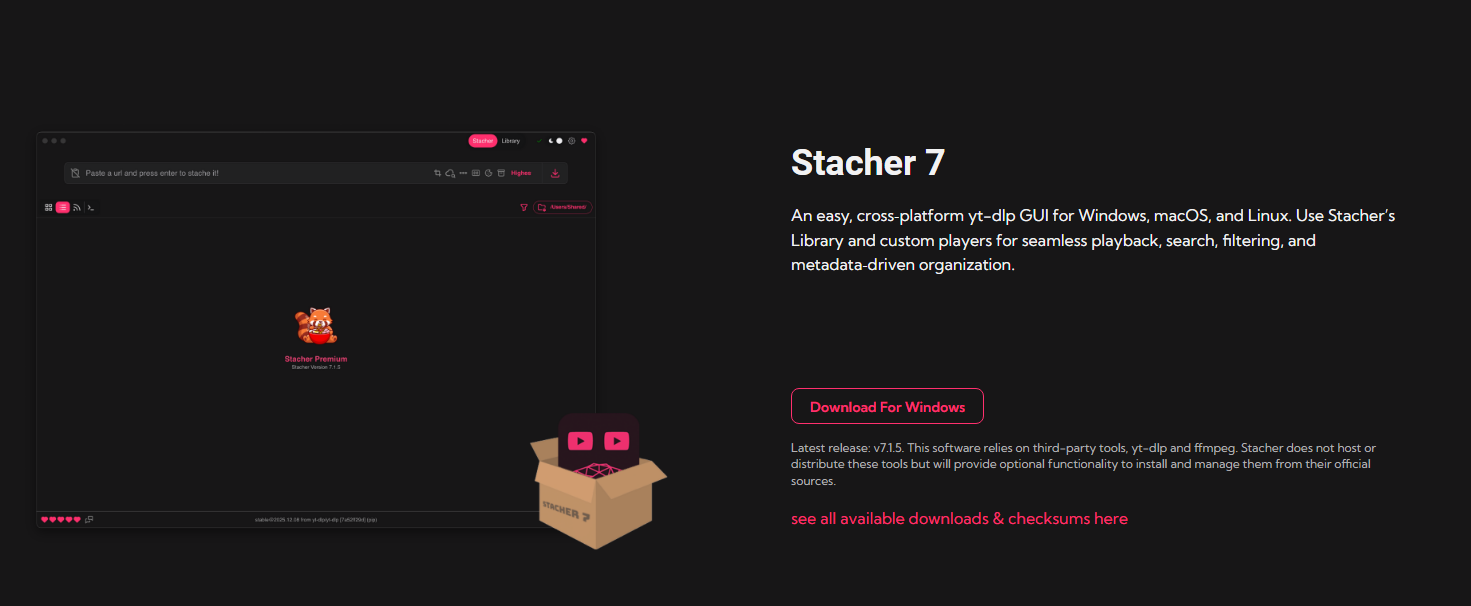
What Stacher Can Do on Twitter/X:
- Download single Twitter/X videos using tweet URLs
- Support multiple resolutions (depending on availability)
- Save videos in common formats like MP4
- Download public Twitter/X content
Limitations of Using Stacher for Twitter/X
While Stacher works, it is not ideal for everyone:
- ❌ No true bulk downloading from profiles, hashtags, or threads
- ❌ No built-in Twitter/X login, making private or follower-only content difficult
- ❌ Manual process – each link must be copied and pasted
- ❌ Limited media filtering (videos vs photos vs GIFs)
- ❌ Occasional breakage when Twitter/X changes its backend, requiring yt-dlp updates
How to Use Stacher to Download Twitter Videos
If you decide to try Stacher, here’s a clear step-by-step guide to downloading Twitter/X videos.
Step 1: Download and Install Stacher
Visit Stacher’s official website and download the version for your Windows. During installation, Stacher will prompt you to install yt-dlp and FFmpeg if it is not already present.
Step 2: Copy and Paste the URL into Stacher
- Copy the link of the tweet containing the video you want to download.
- Open Stacher and paste the copied Twitter/X link into the URL input box.
- Stacher will automatically analyze the link.
Step 3: Choose Format and Quality
Stacher allows you to:
- Select video format (usually MP4)
- Choose available resolutions
- Enable metadata options if needed
Step 4: Start Downloading
Click the Download button and wait for Stacher to finish processing. Once complete, the video will be saved to your chosen output folder.
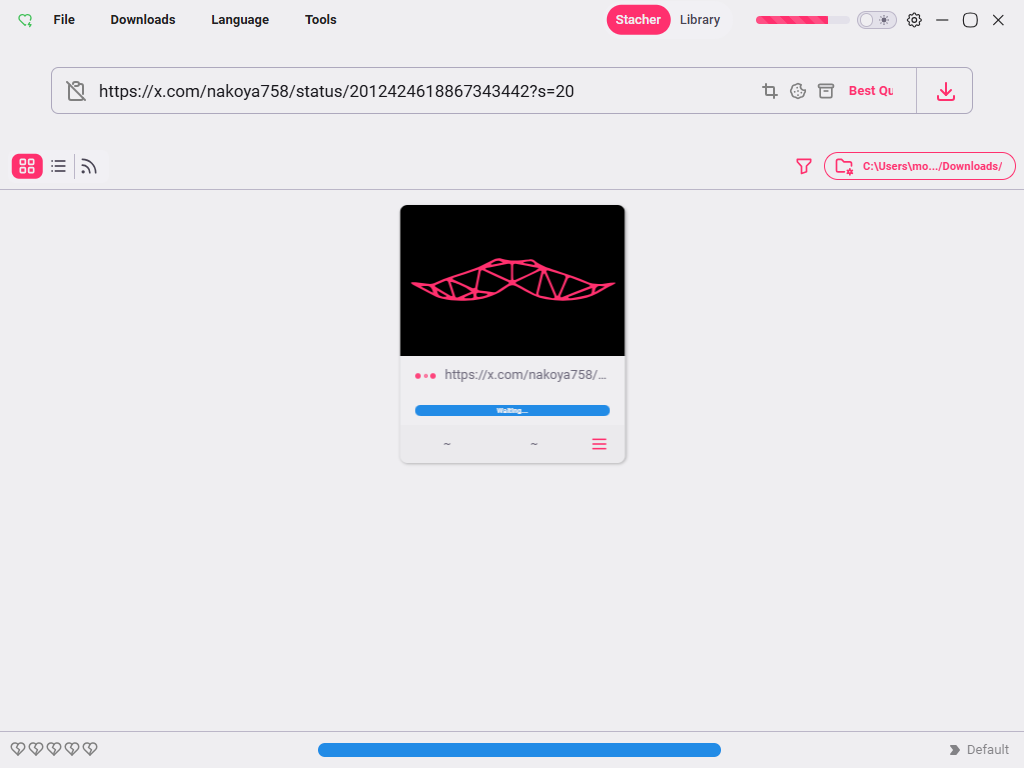
Open the downloaded file to ensure:
- Audio and video are synced
- Resolution is correct
- File plays smoothly
While the process is simple, repeating these steps for dozens or hundreds of tweets quickly becomes time-consuming.
3. Try the Ultimate Twitter/X Media Downloader – Xget
If you frequently download Twitter/X content or need bulk downloads, Xget is a far better solution than Stacher.
Xget is a dedicated Twitter/X video and photo downloader, designed specifically to handle large-scale media downloading with speed, stability, and ease.
Let’s see the main features of Xget:
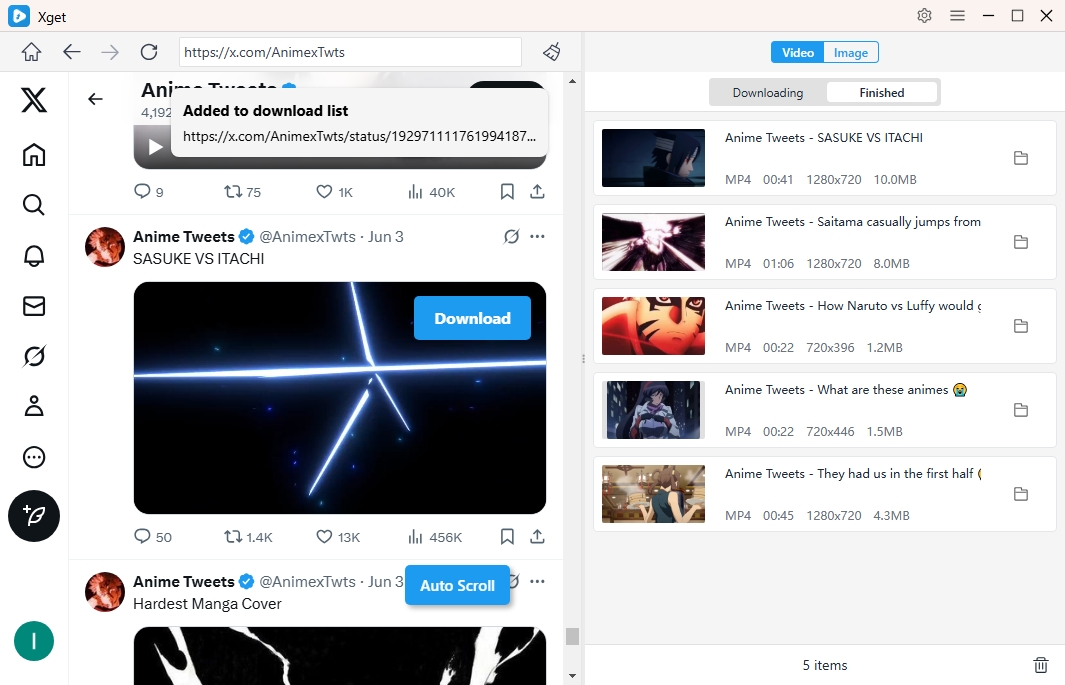
- Bulk download videos and photos from Twitter/X.
- Download media in the highest available resolution
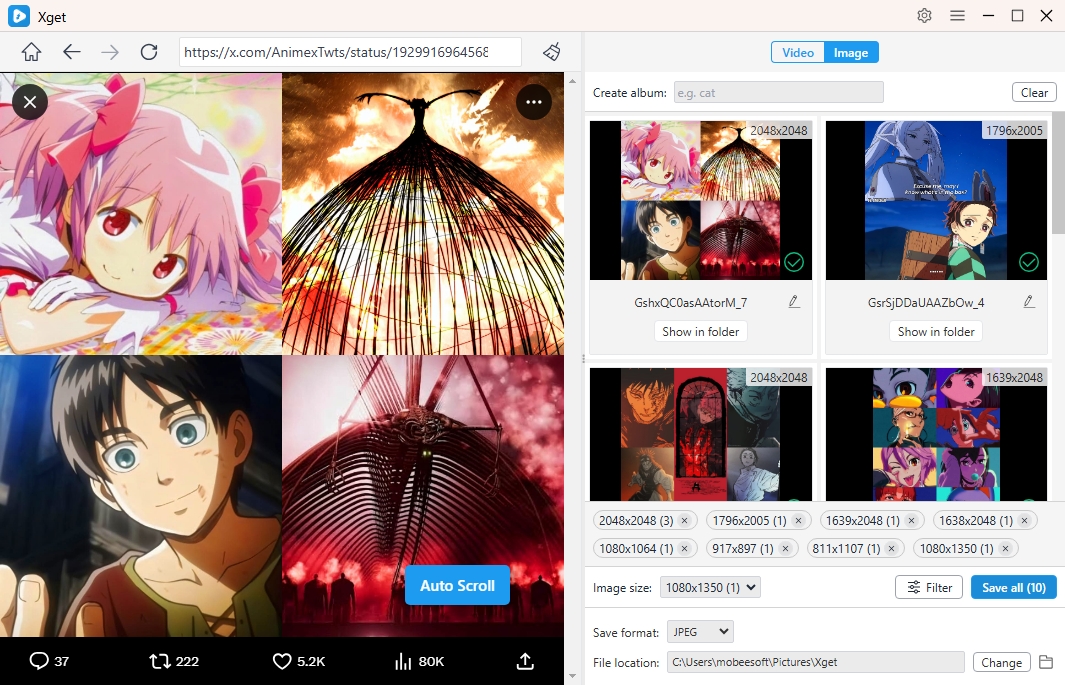
- Filter photo downloads by resolution, or file format
- Download Twitter/X media in popular video, audio or photo types
- Access private or follower-only content (with permission)
- Multiple files downloaded simultaneously for maximum efficiency
- No command-line skills required, easy one-click operation
Step-by-Step: Download Twitter/X Videos and Photos Using Xget
- Download and install Xget from its official website; Launch Xget and securely log in to your Twitter/X account using the built-in browser.
- Just play the Twitter/X video, pick your preferred format and resolution, and click Download—Xget delivers high-quality results in seconds.
- To download images, scroll through the page so Xget can detect all available photos, then apply filters and download your selected photos with a single click.
4. Conclusion
So, can Stacher download Twitter/X videos? The answer is yes—but only at a basic level. Stacher can download Twitter/X videos, but it’s best suited for occasional, single-video downloads and requires a manual, link-by-link process.
For a faster and more reliable solution, Xget is the better choice. With bulk downloading, original-quality output, advanced filtering, and one-click operation, Xget is ideal for anyone who regularly downloads Twitter/X videos and photos.