Tikget | User Guide
Contents
Tikget is your all-in-one tool to bulk download videos and images from TikTok. Save entire feeds, archive a creator’s content, or collect trending hashtag media—all in a few clicks.
1. Download and Install Tikget
Windows: Double-click tikget.exe → follow instructions → launch Tikget.
macOS: Open tikget.dmg → drag Tikget to Applications → launch and grant permissions.
2. Log in to TikTok
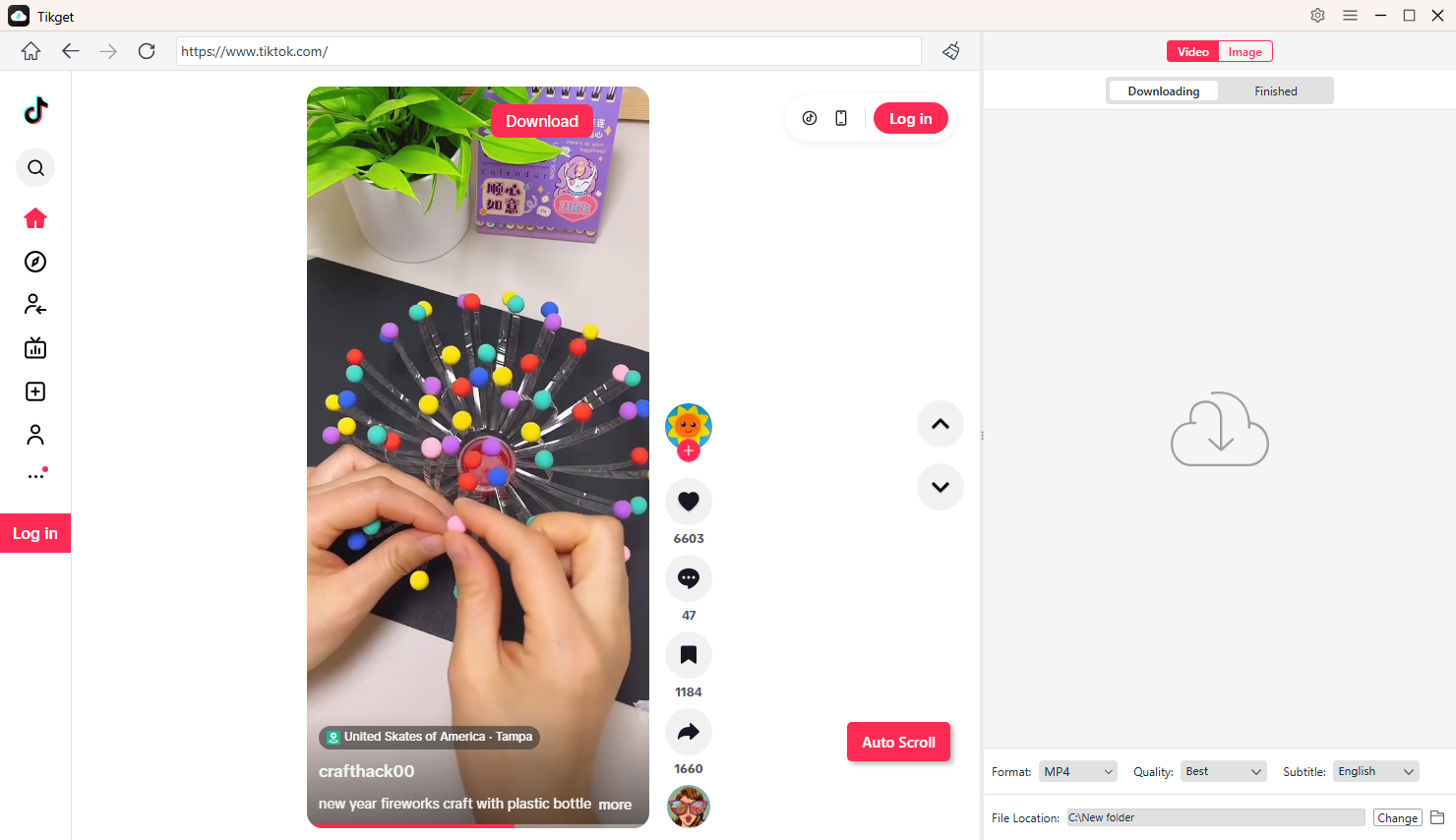
Open Tikget to visit the TikTok feed (Log in to your TikTok account if you want to access private videos or content).
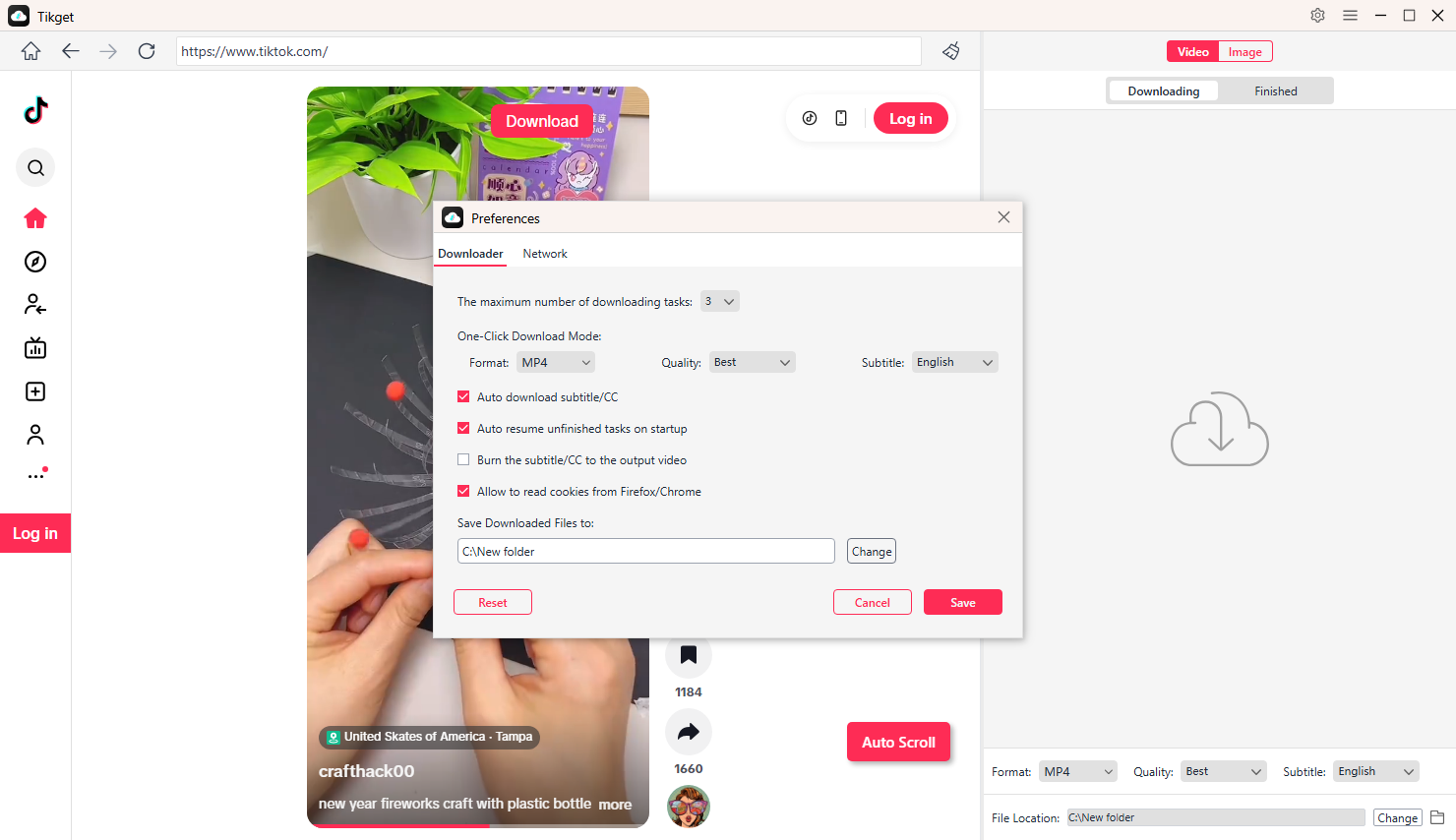
Open Tikget Preferences to select your download resolution, output format, file location, and other advanced settings.
3. Bulk Download Videos
- Go to the video, profile, or hashtag feed you want.
- Play the video and click Download in Tikget.
- Tikget extracts URLs automatically and queues the videos.
- Monitor progress in the Finished tab.
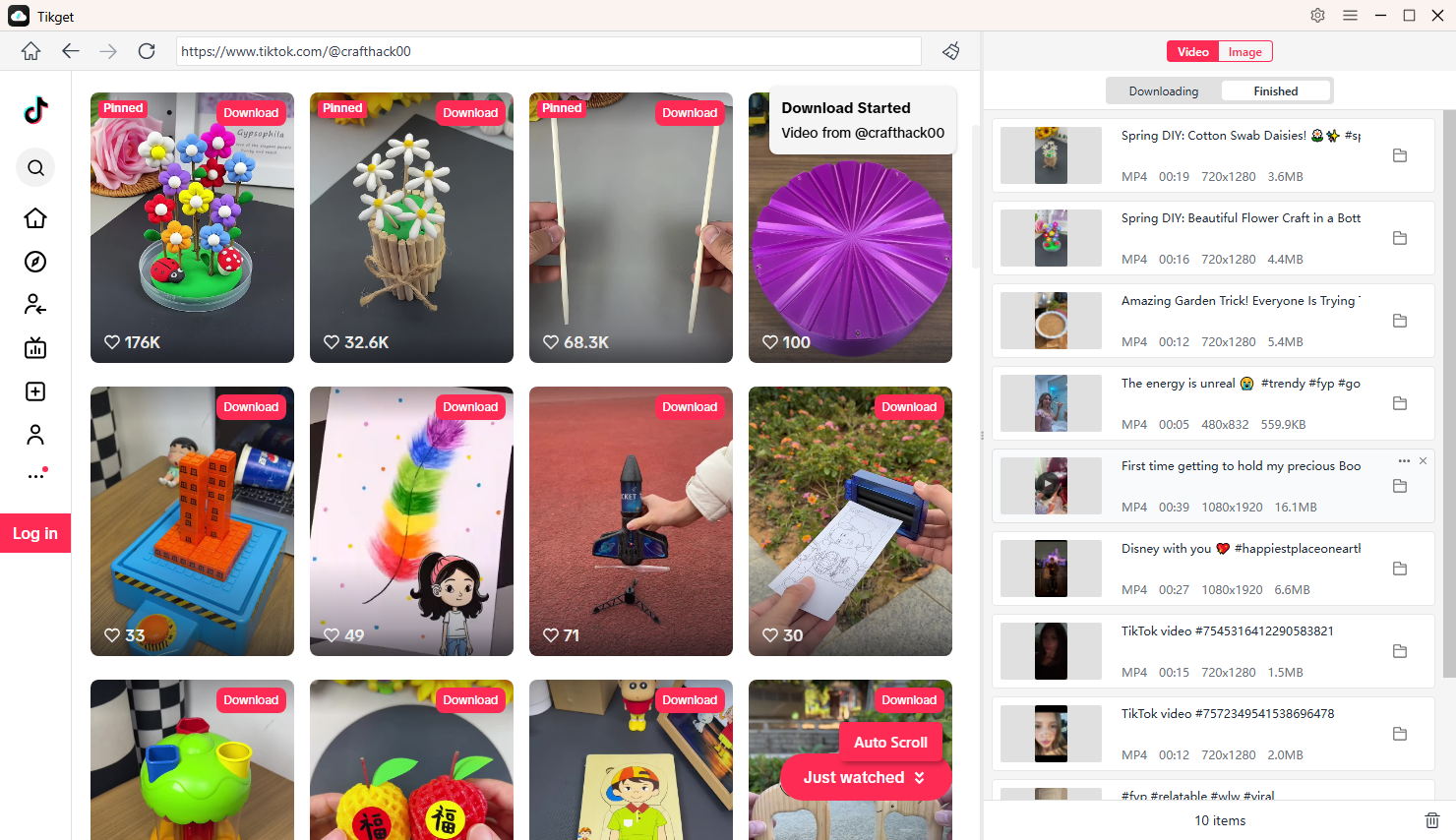
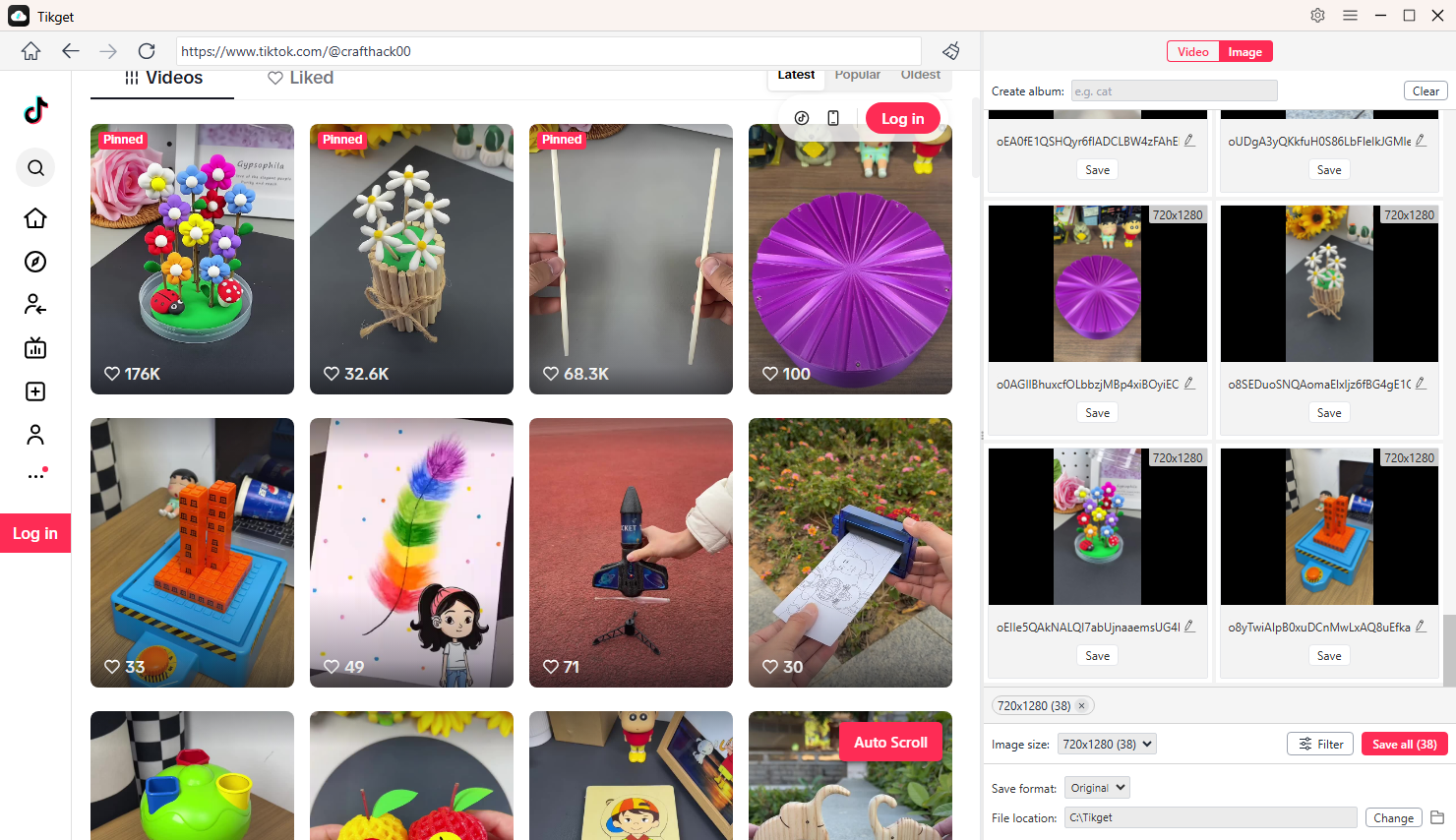
4. Bulk Download Images
- Open the TikTok page containing images you want to download.
- Scroll the page to let Tikget gather all downloadable images.
- Filter desired images by resolution, format, or other preferences.
- Click Save All and Tikget will download images on your device instantly.