Insget
Fast, Powerful Instagram Bulk Media Downloader.

Download photos and videos from Instagram in just a few clicks.
Bulk download media from profiles, posts, reels, stories, and hashtags.
Save videos in MP4 format and images in high resolution.
Choose from HD, Full HD, 4K, or original quality.
Filter and manage extracted photos easily before downloading.
Runs smoothly on Windows and macOS.
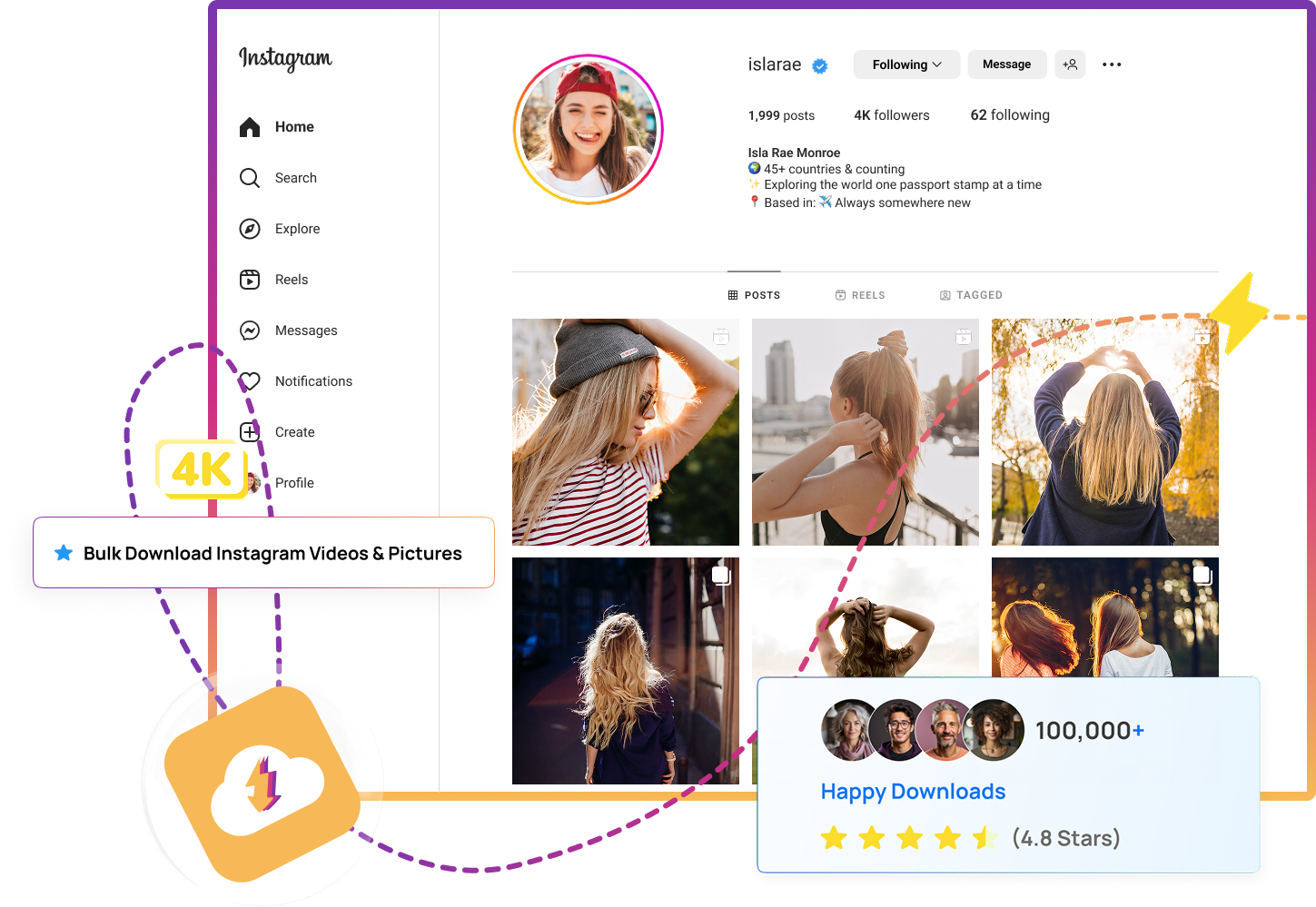
The Smarter Way to Download Instagram Media
Stop the hassle of single downloads. With Insget, you can bulk download Instagram media quickly and in original quality.
Built for Bulk Instagram Downloading
Designed for scale, Insget enables you to: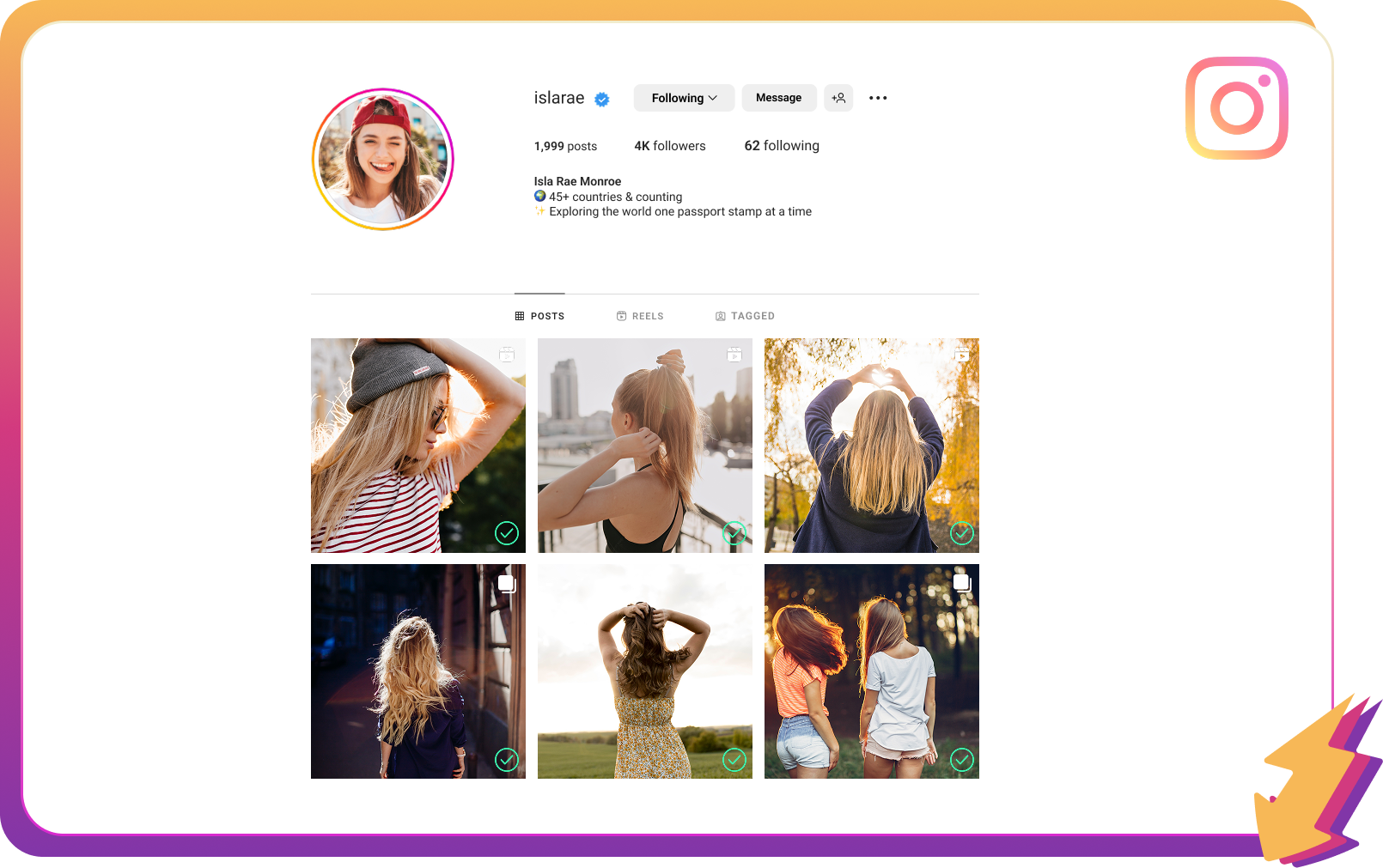
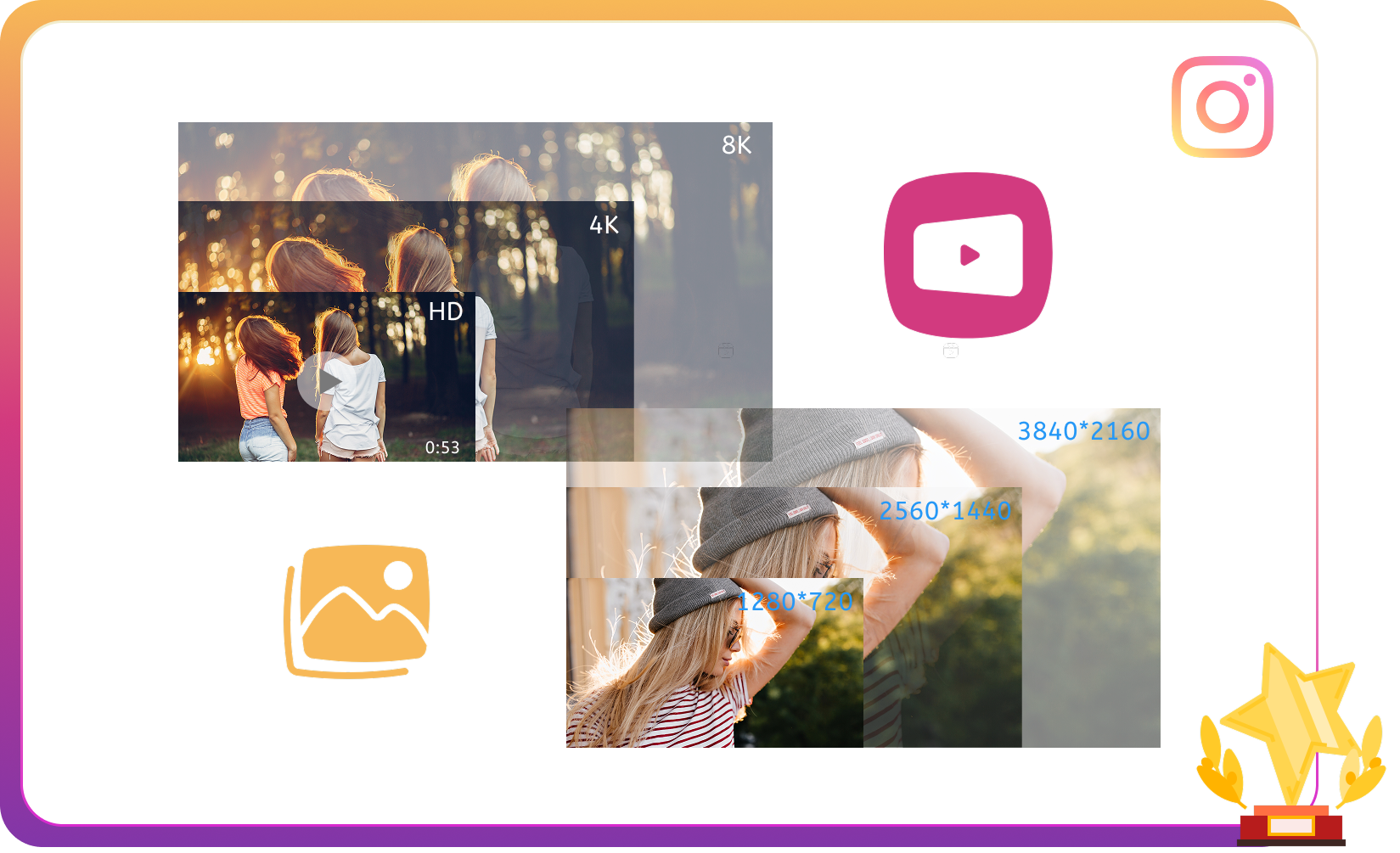
Archive Instagram Media in Stunning Quality
Whether you’re collecting inspiration or building an archive, Insget offers:Choose Your Format, Instantly
Skip the hassle of post-conversion. Insget lets you: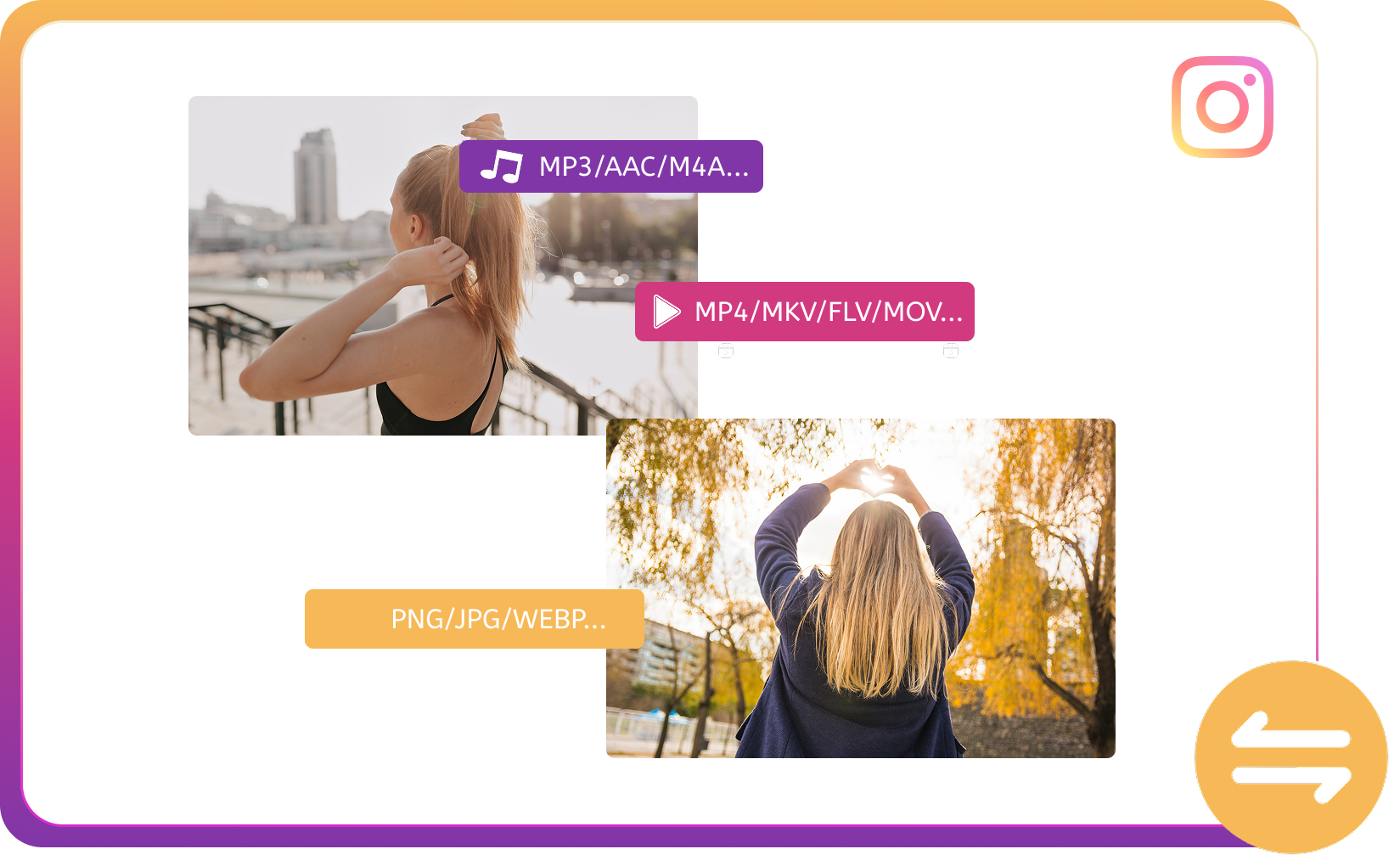

Download Only What Matters
Take control of your downloads with Insget:Download Instagram Videos & Photos in 4 Easy Steps
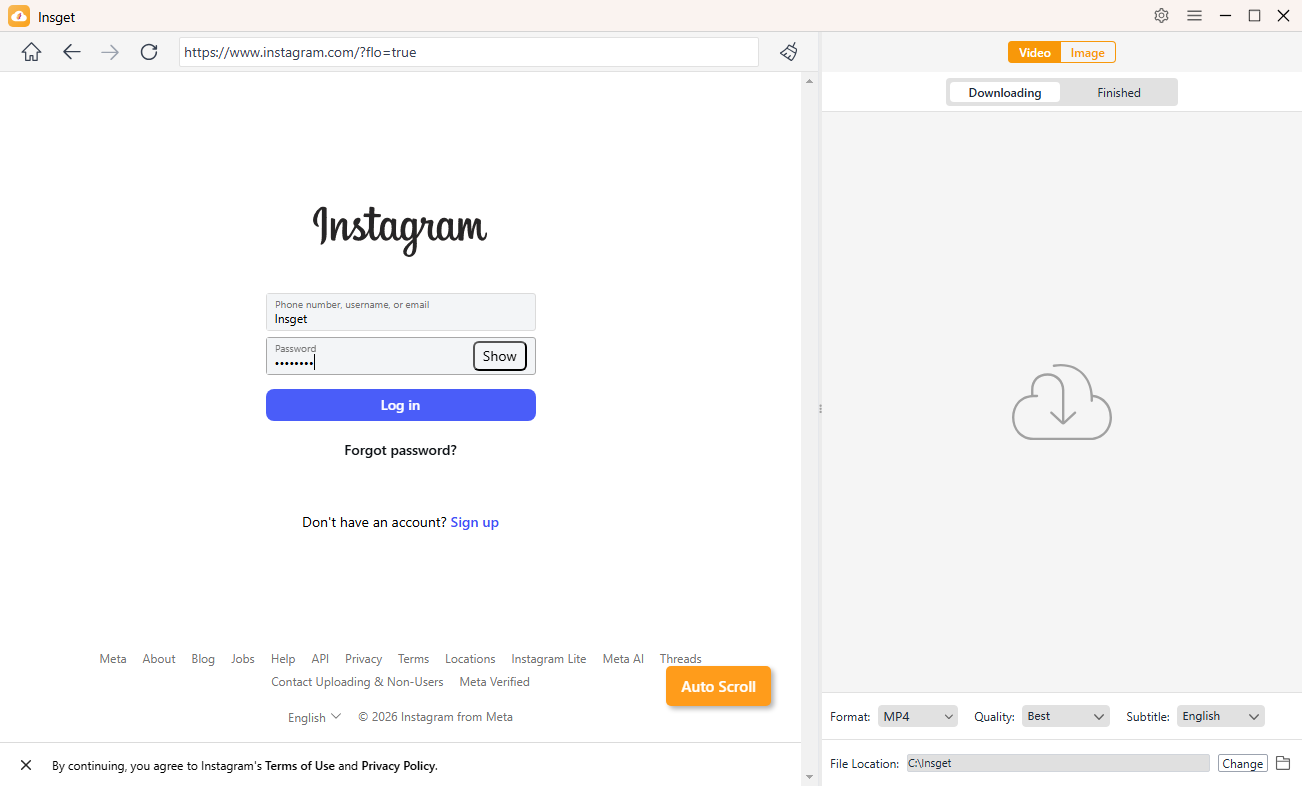
Step 1: Log in to Instagram Web
Log in with your Instagram account inside Insget to access the photos and videos you want to download.
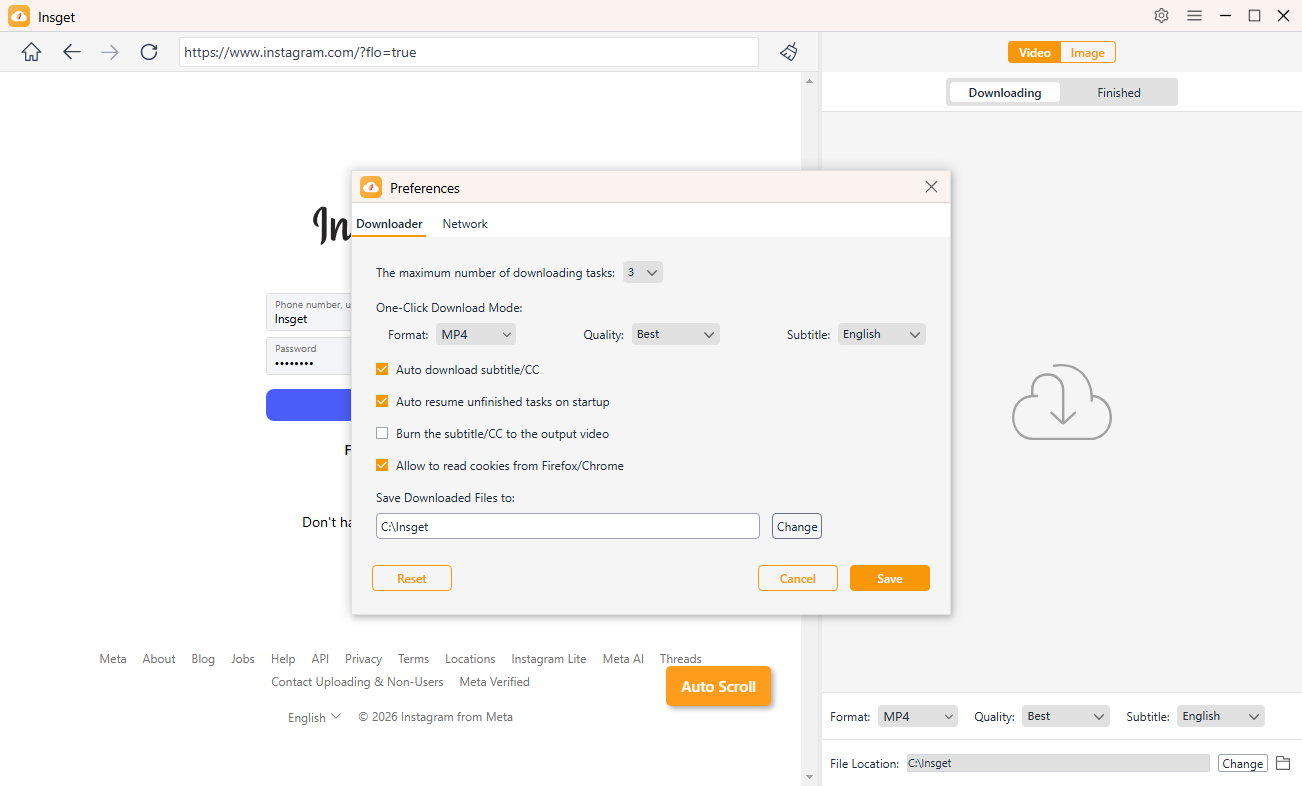
Step 2: Set Download Options
Go to Insget Preferences to select download format, resolution, file location and more parameters.
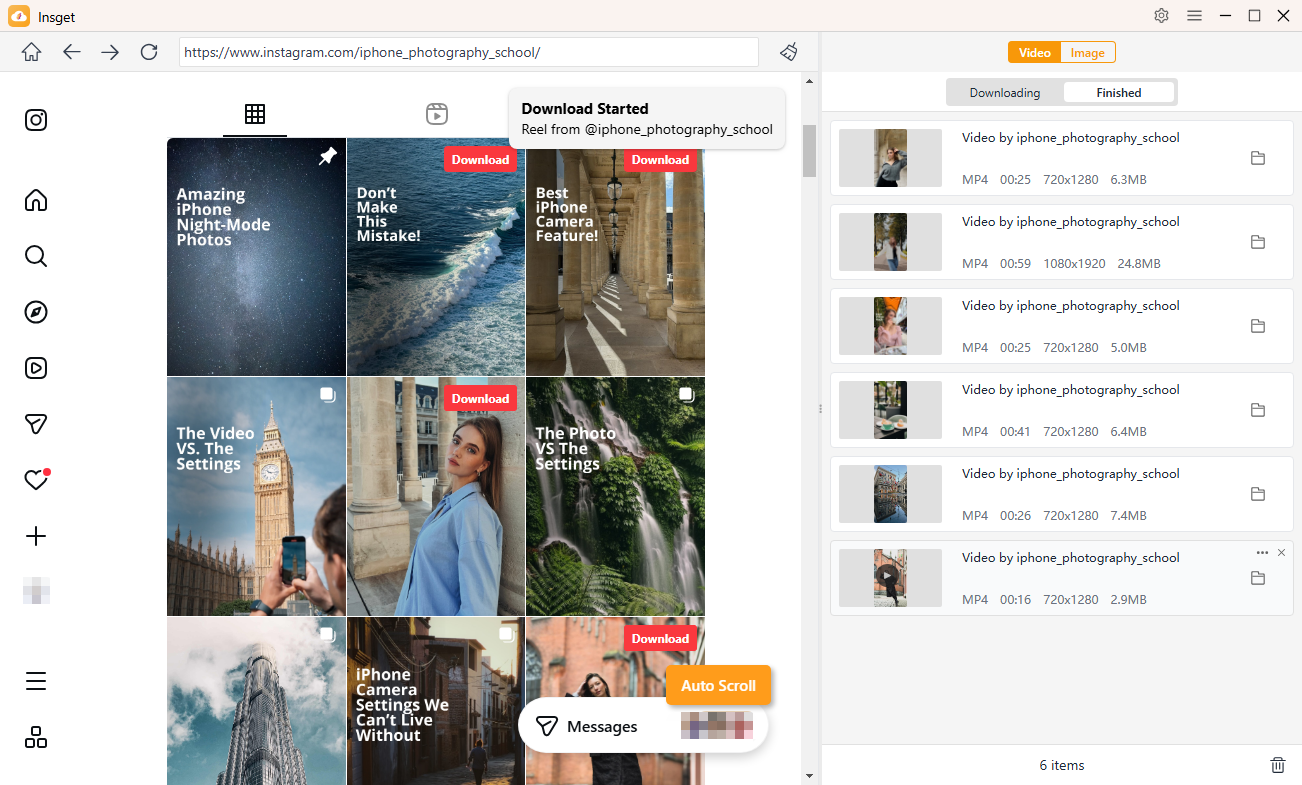
Step 3: Download Instagram Videos
Play any Instagram video or Reel, then click the download button to add it to the bulk download list in your chosen quality.
Step 4: Download Instagram Photos
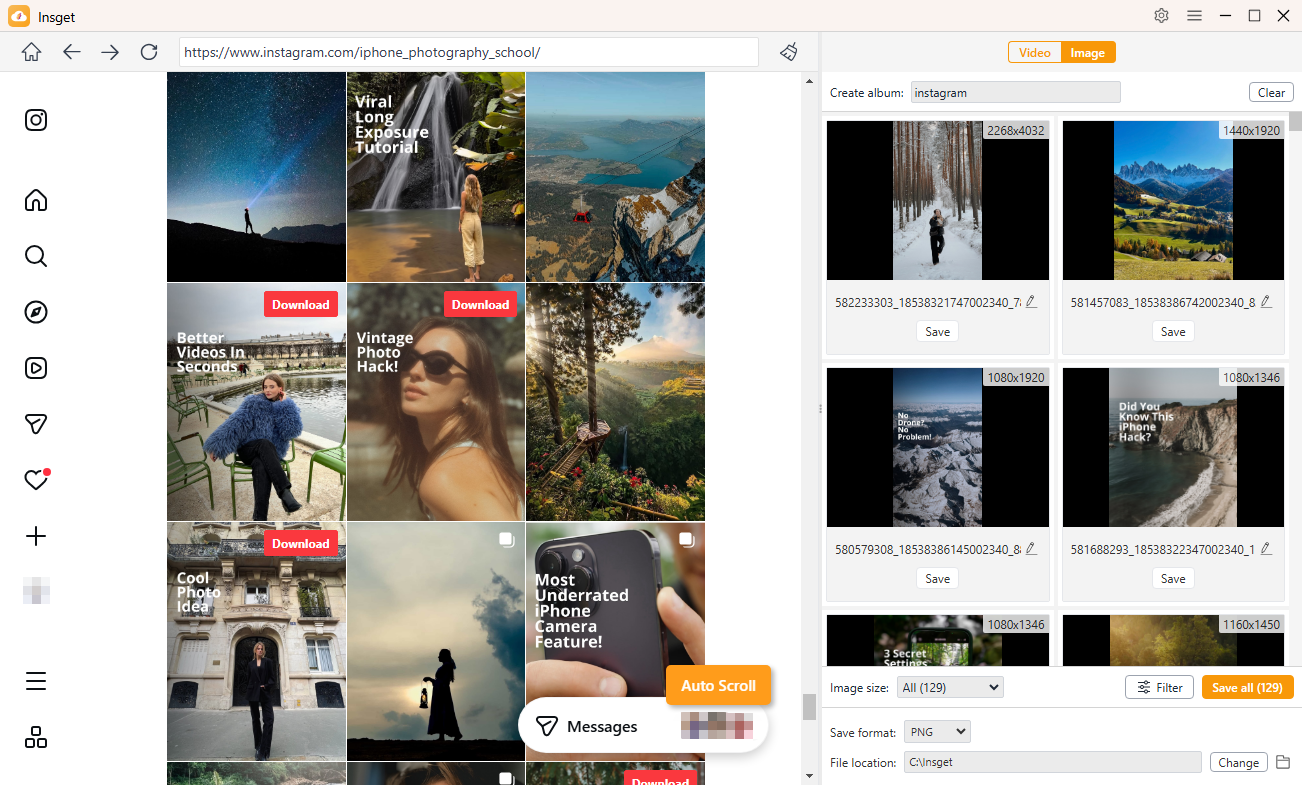
Scroll through the profile page or posts, Insget will auto-extract photos so you can filter and download them in bulk.
FAQs
Get started with Insget today!
All Your Instagram Media, One Click Away — Insget.