How to Download Fansly Videos Online: 4 Effective Methods

Fansly is a subscription-based content platform where creators share exclusive videos, photos, and other media with their subscribers. Whether you are a creator looking to back up your original videos or a user managing content you are authorized to download, finding a convenient video management solution can be helpful.
Unlike some video-sharing platforms, Fansly does not provide a universal download option for all media. This can make saving and organizing videos less straightforward. In this guide, we will explore four methods to download Fansly videos online, introduce popular tools, and compare their advantages and disadvantages.
1. Download Fansly Videos with Online Downloaders
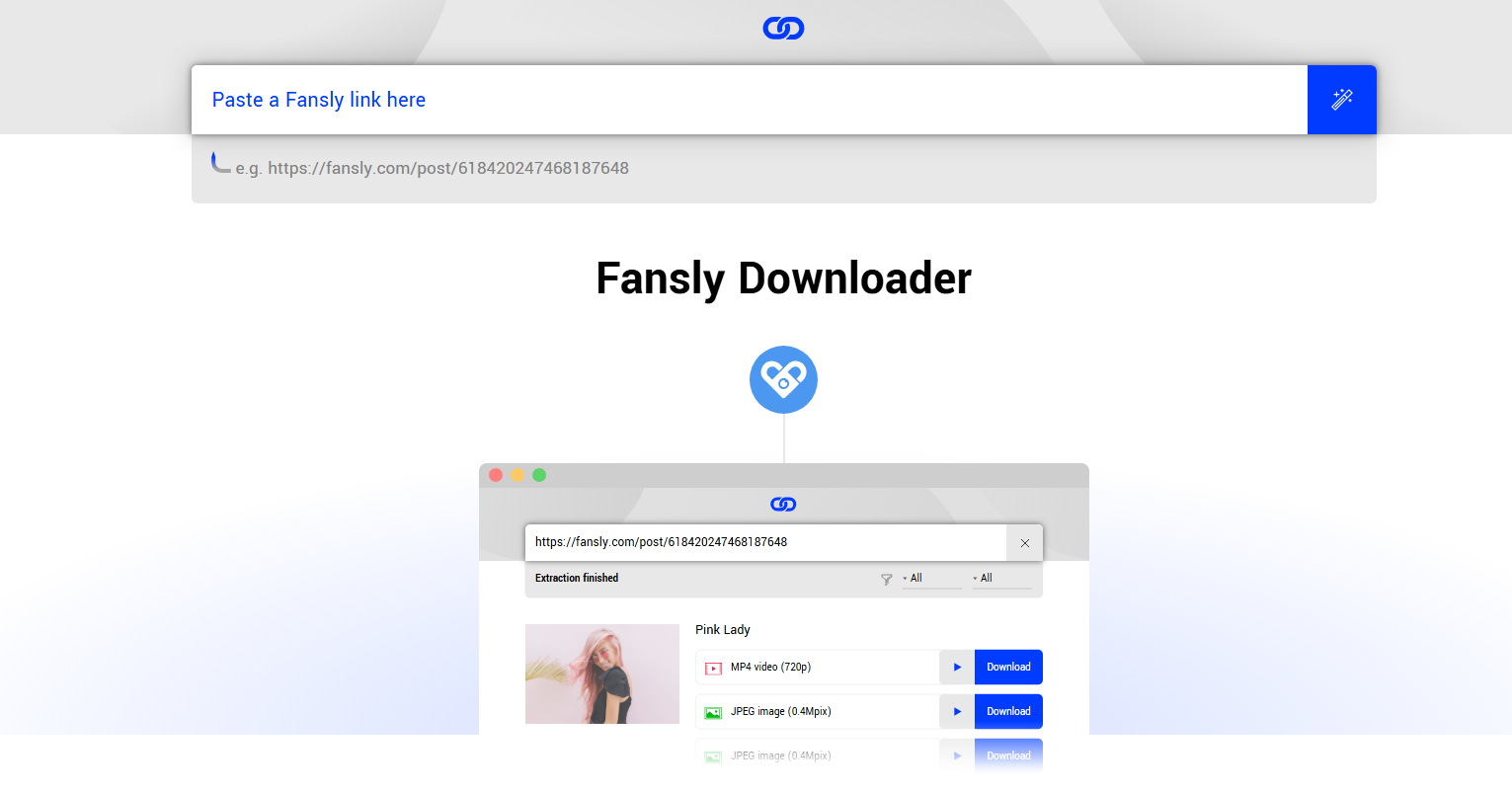
Online Fansly video downloaders are web-based services that allow users to process supported video URLs directly through a browser. They generally do not require additional software installation, making them convenient for occasional downloads.
Popular Choices:
- LocoLoader: An online media downloader that provides a URL-based workflow for processing supported video sources.
- AnyLoader: A web-based downloader that offers a straightforward way to submit supported media links and check available download options.
- FanslySaver: A Fansly-focused online downloader that provides an interface for submitting and analyzing supported video URLs.
Steps to Use an Online Fansly Downloader:
- Open Fansly, find a creator video and copy the URL.
- Visit LocoLoader, install its browser extension to Chrome, then paste the URL into the input field.
- LocoLoader will analyze link and show available download options
- Select the preferred format and quality, then download the Fansly video.
Pros:
- No desktop software installation is usually necessary.
- Accessible through modern web browsers.
- Simple URL-based operation.
- Convenient for occasional downloads.
- Works across different devices that support modern browsers.
Cons:
- Fansly compatibility may vary.
- Some services impose file-size or processing limitations.
- Bulk downloading may not be available.
- Advertisements and privacy practices can be concerns.
- They cannot legitimately bypass subscription restrictions or DRM protection.
2. Download Fansly Videos Online with Video Downloader Extensions
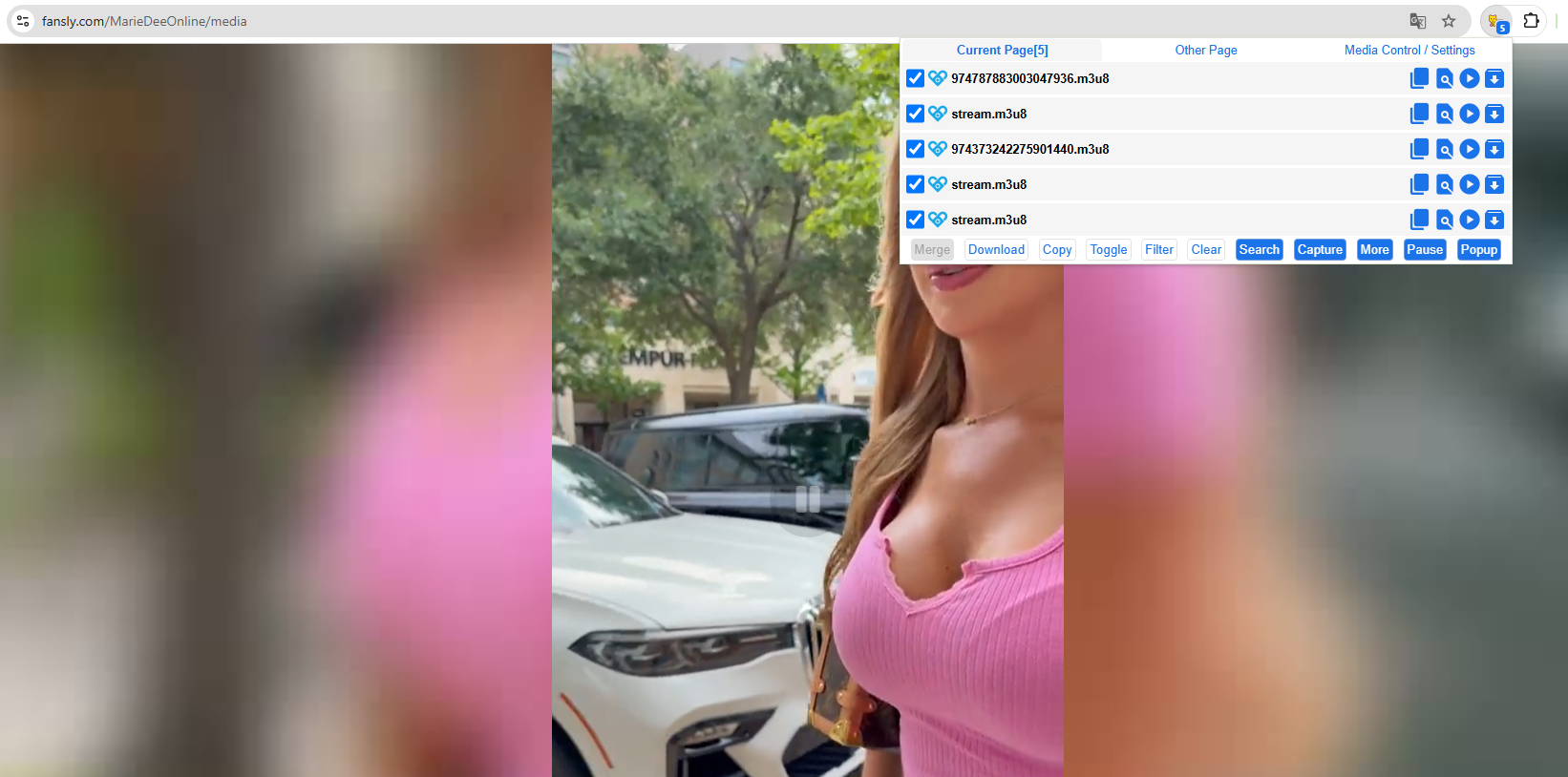
Video downloader extensions are browser add-ons that provide media-related functions directly within a web browser. Compared with online downloaders, extensions offer a more integrated browsing experience because users do not need to switch between a video page and a separate downloader website.
Popular Choices:
- CatCatch: A browser-based media detection extension designed to identify supported video and audio resources on webpages.
- Fansly Downloader by WebMedia Tech: A Fansly-focused extension that advertises media detection and download management.
- Streamfork: A browser extension offering video and media management features for supported platforms.
- Fansly Downloader by ftstbh: A Fansly-related extension that advertises media indexing and download management capabilities.
Steps to Use Video Downloader Extensions:
- Install a trusted extension compatible with your browser, such as CatCatch.
- Open a Fansly media page containing the videos you want to download, play the video and click the extension icon.
- Choose download resolution/format and save the video from Fansly to your device.
Pros:
- Convenient browser integration.
- No need to visit a separate downloader website.
- Some extensions offer media detection and indexing.
- Can provide additional media organization features.
- Useful for managing supported media sources.
Cons:
- Compatibility varies between extensions and browsers.
- Some extensions require extensive permissions.
- Certain extensions may not be available in official stores.
- Unverified extensions can create privacy and security risks.
3. Download Fansly Videos Online with Open-Source Tools
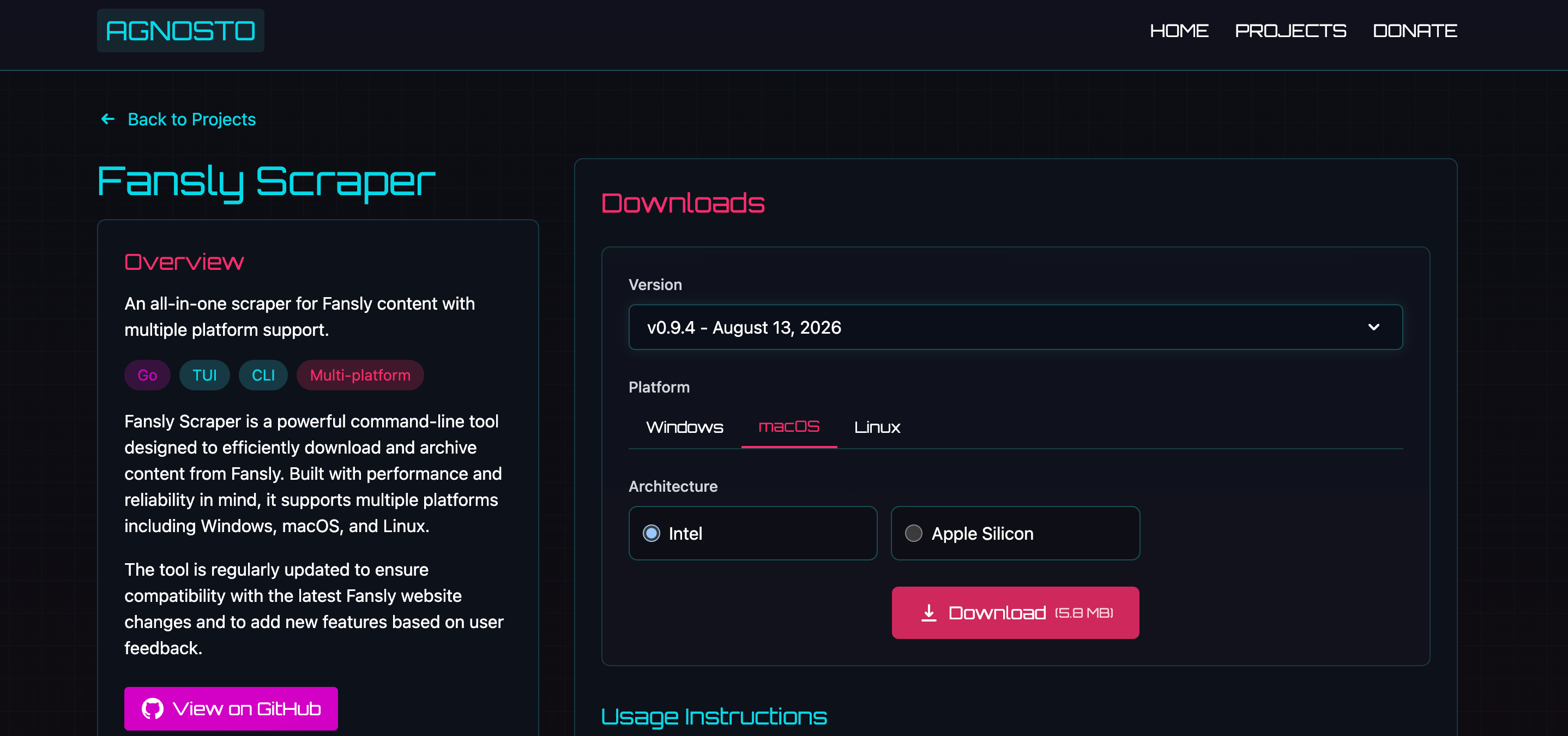
Open-source Fansly tools are community-developed projects that provide media management and related functionality. They are often available on GitHub, where users can review the source code, installation instructions, and supported features. However, they may require technical knowledge to install and configure.
Popular Choices:
- fansly-downloader-ng: An open-source Fansly-related project worth exploring for its documented downloading and media-management capabilities.
- fansly-scraper: A community-developed project focused on collecting and processing Fansly-related data.
Steps to Use Open-Source Tools:
- Visit GitHub and search for fansly-downloader-ng or fansly-scraper.
- Download or clone the project, then install the required dependencies by following its documentation.
- Configure the tool according to its instructions.
- Use only supported functions for the Fansly video you are authorized to access and save.
Pros:
- Many projects are free to use.
- Source code is available for inspection.
- Offer flexibility and customization.
- May provide specialized Fansly-related functionality.
Cons:
- Installation may require technical knowledge.
- Compatibility and maintenance can vary.
- Some tools require complicated configuration.
- Unverified projects may pose security and privacy risks.
4. Try the Ultimate Fansly Online Bulk Downloader – Fansget
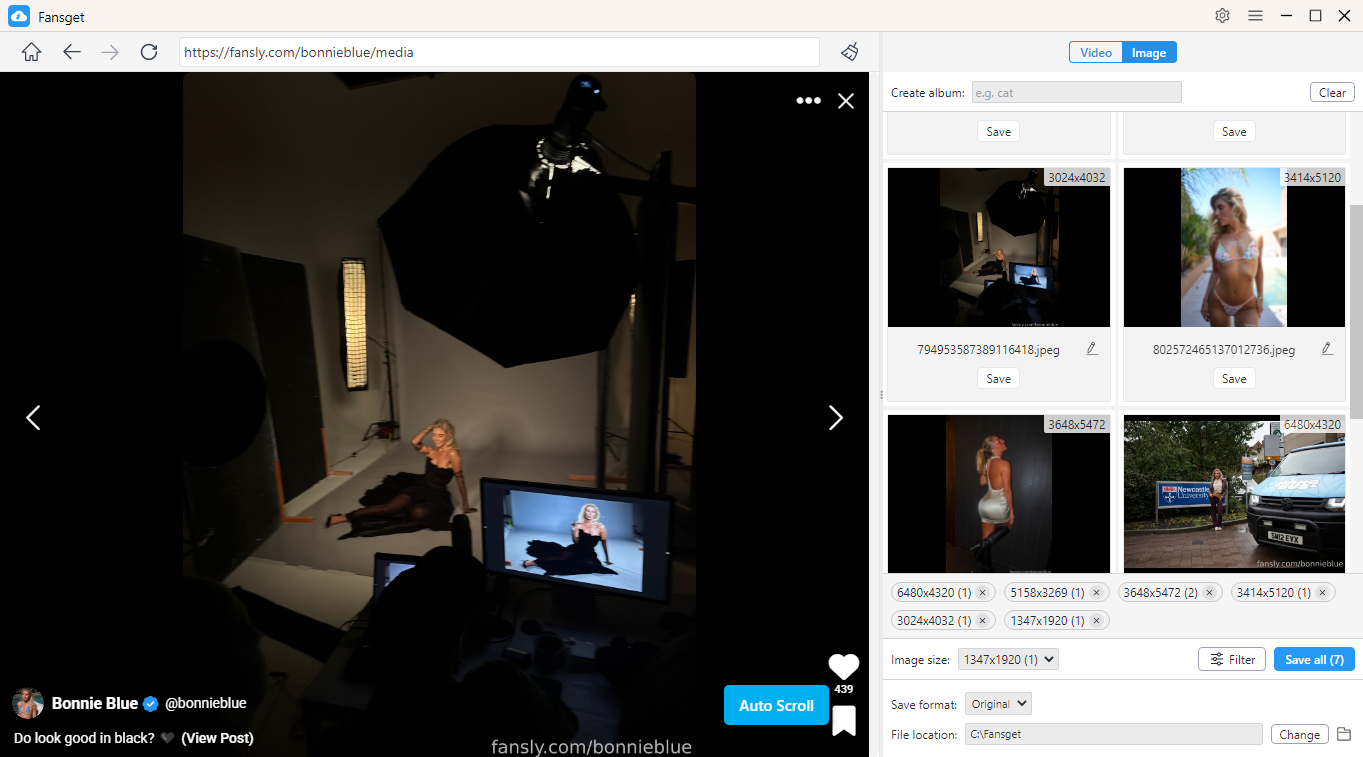
If you regularly manage multiple Fansly videos, downloading them one by one can be time-consuming. Fansget is a professional bulk downloader designed to make video downloading and management more convenient. It provides an efficient way to handle multiple supported video links, helping users save time and simplify their media management workflow.
Key Features of Fansget:
- BDownload multiple Fansly videos, images, and entire albums in batches.
- Save videos in HD, Full HD, and 4K, and images in their original resolution.
- Support video formats such as MP4 and MKV, and image formats including JPEG, PNG, and WebP.
- Filter images by file type, resolution, and format before downloading.
- Compatible with both Windows and macOS computers.
Steps to Use Fansget:
- Download the version compatible with your Windows PC or Mac, install it, and launch the program.
- Open Fansget’s built-in browser, sign in to your Fansly account, and navigate to the creator profile containing the media files.
- Open the Videos section, play a video and click Download, Fansget will scan for available videos and add supported items to the download queue for batch processing.

- For images, let Fansget scan the page for available images, then you can select the photos you want and download them together.
5. Conclusion
There are several ways to download and manage Fansly videos online, including online downloaders, browser extensions, and open-source tools. However, these options may have compatibility or bulk-processing limitations. If you need a more efficient way to manage multiple Fansly videos and photos, Fansget is worth trying. Its batch downloading, media detection, and quality options make it a convenient solution for organizing supported media.