Popular Fansly Viewers and Finders You Can Try Right Now

Fansly has quickly become one of the most popular subscription-based platforms for creators to share exclusive content with their audience. From photos and videos to private messages and premium posts, most of the content on Fansly is locked behind a paywall. While this model benefits creators, it also leads many users to search for alternative ways to browse profiles, discover creators, or preview content without committing to a subscription.
This is where Fansly viewers and finders come into play. These tools are designed to help users explore public profiles, locate creators more efficiently, and sometimes download accessible media. However, not all tools are created equal—some are useful for discovery, while others overpromise and underdeliver.
In this article, we’ll explore the popular Fansly viewers and finders you can try right now, what they offer, and how to use them safely.
1. Popular Fansly Viewers and Finders You Can Try Right Now
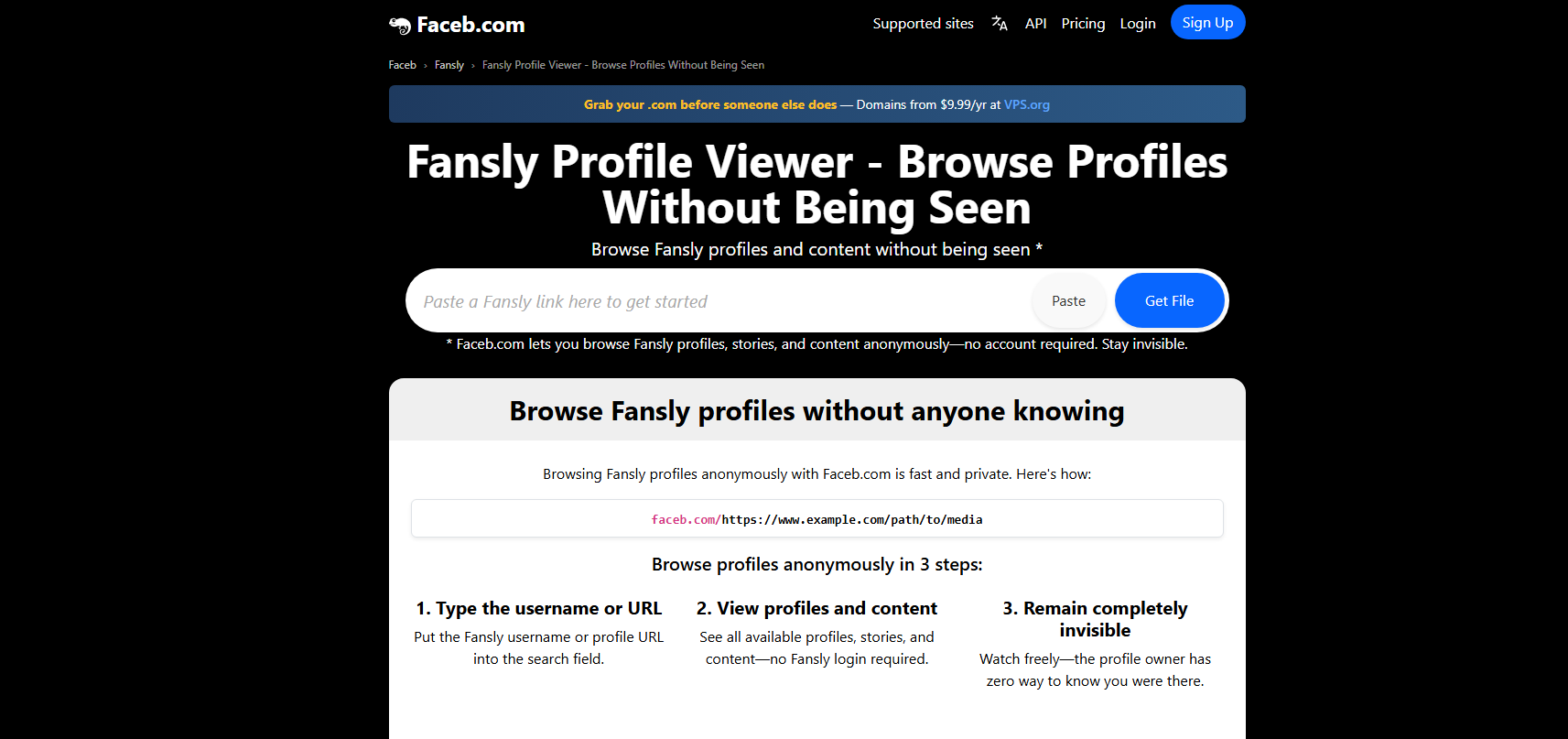
1.1 Faceb Fansly Profile Viewer
Faceb is one of the more commonly mentioned tools when it comes to Fansly viewing. It allows users to paste a Fansly profile link and browse content without logging in.
Key features:
- No account or login required
- Anonymous browsing
- Ability to download public images and videos
Best use case:
If you want a quick and simple way to preview a creator’s public posts or save accessible media, Faceb can be a convenient option.
Limitations:
It only works with publicly available content and cannot unlock premium or subscriber-only posts.
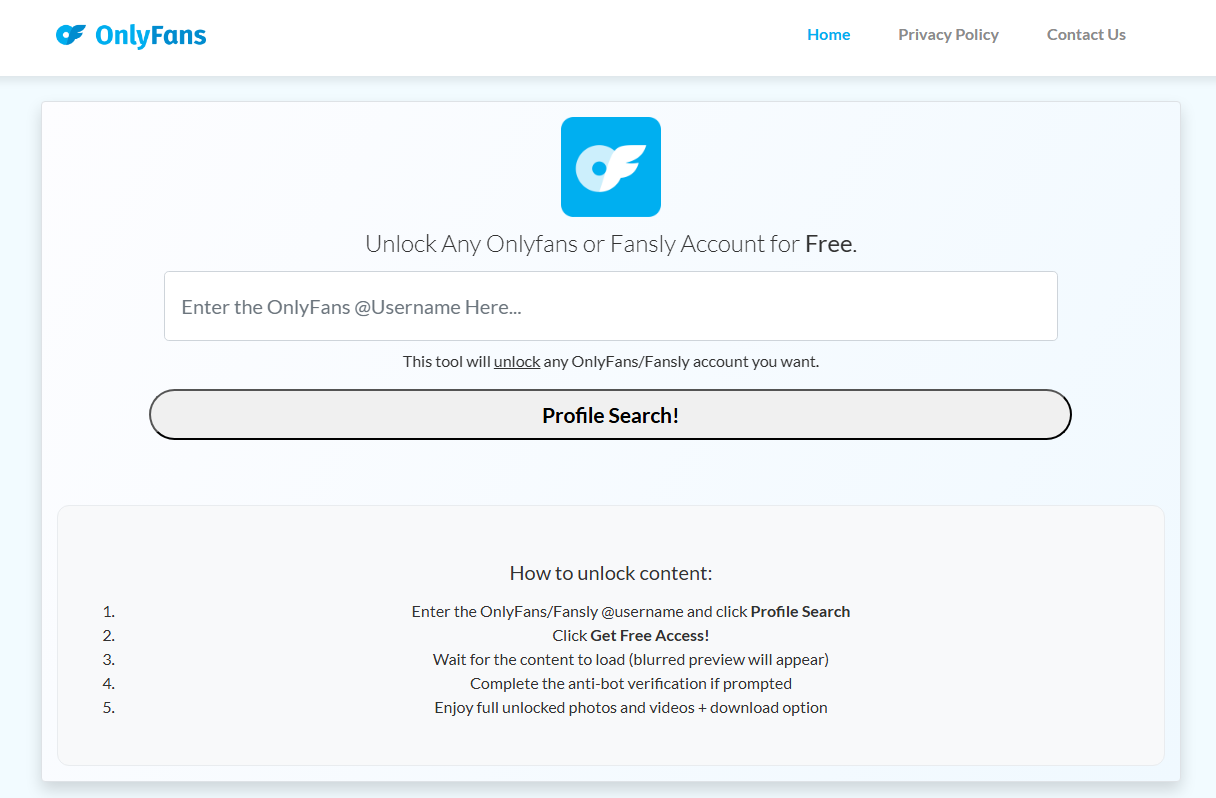
1.2 Web-Based Fansly Viewer Tools
There are dozens of generic Fansly viewer websites available online, such as fanviewerly.blogspot.com. Most follow a similar format: you enter a username, and the tool attempts to display available content.
Key features:
- Browser-based (no installation required)
- Simple interface
- Quick access to profiles
Best use case:
These tools are useful for testing and casual browsing, especially if you’re trying to quickly check a profile.
Limitations:
Many of these sites are inconsistent. Some may redirect you to ads, surveys, or unrelated pages. It’s important to be cautious and avoid entering personal information.
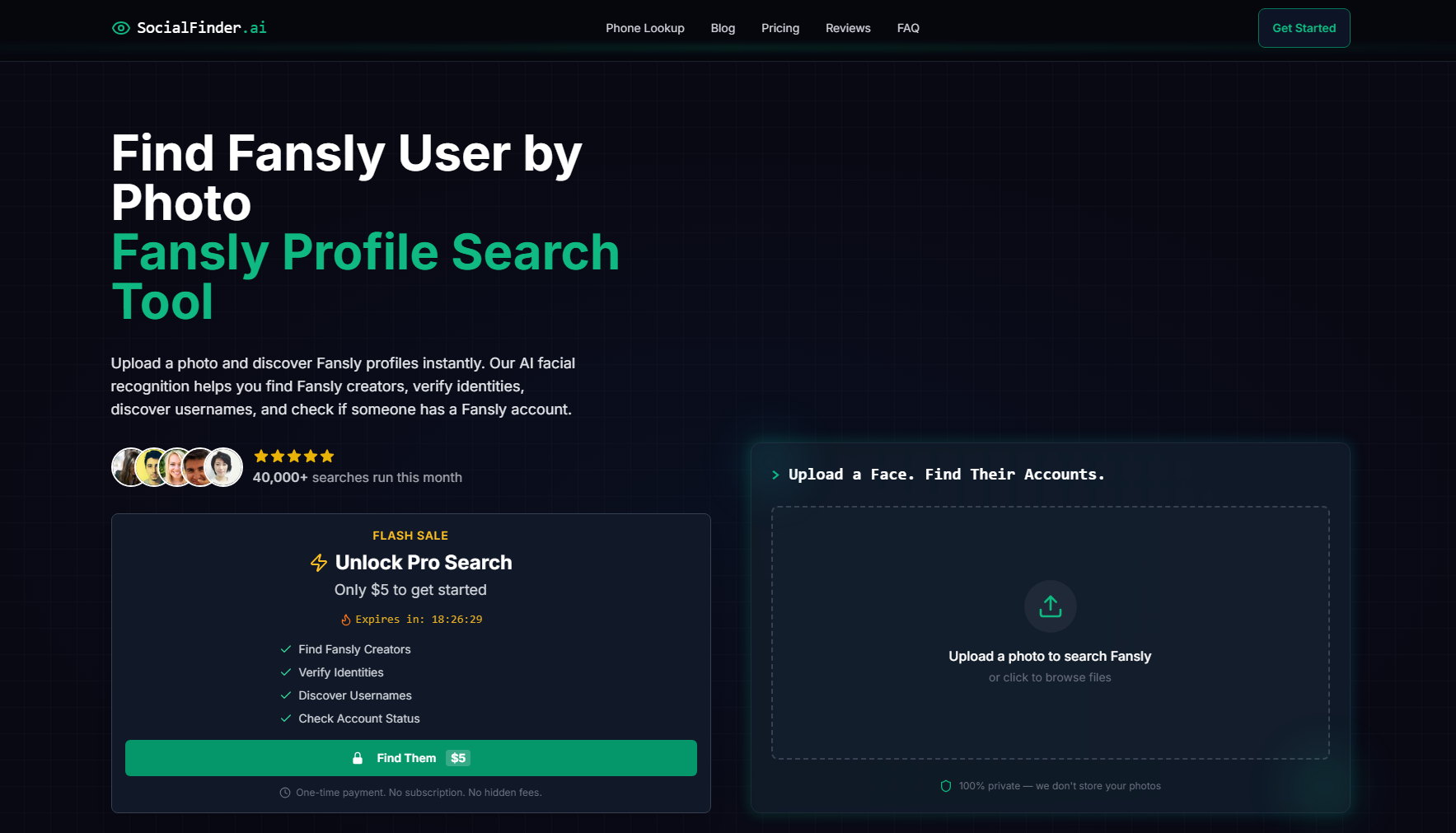
1.3 Fansly Finder Tools (Creator Discovery)
Unlike viewers, Fansly finders (like SocialFinder.ai) focus on helping users discover new creators. Since Fansly’s built-in discovery features can be limited, these tools can be surprisingly helpful.
Key features:
- Search by username, niche, or keywords
- Faster creator discovery
- Sometimes include trending or popular profiles
Best use case:
If your goal is to find new creators in specific categories, finder tools are a great place to start.
Limitations:
They don’t provide access to private content—only help you locate profiles more efficiently.
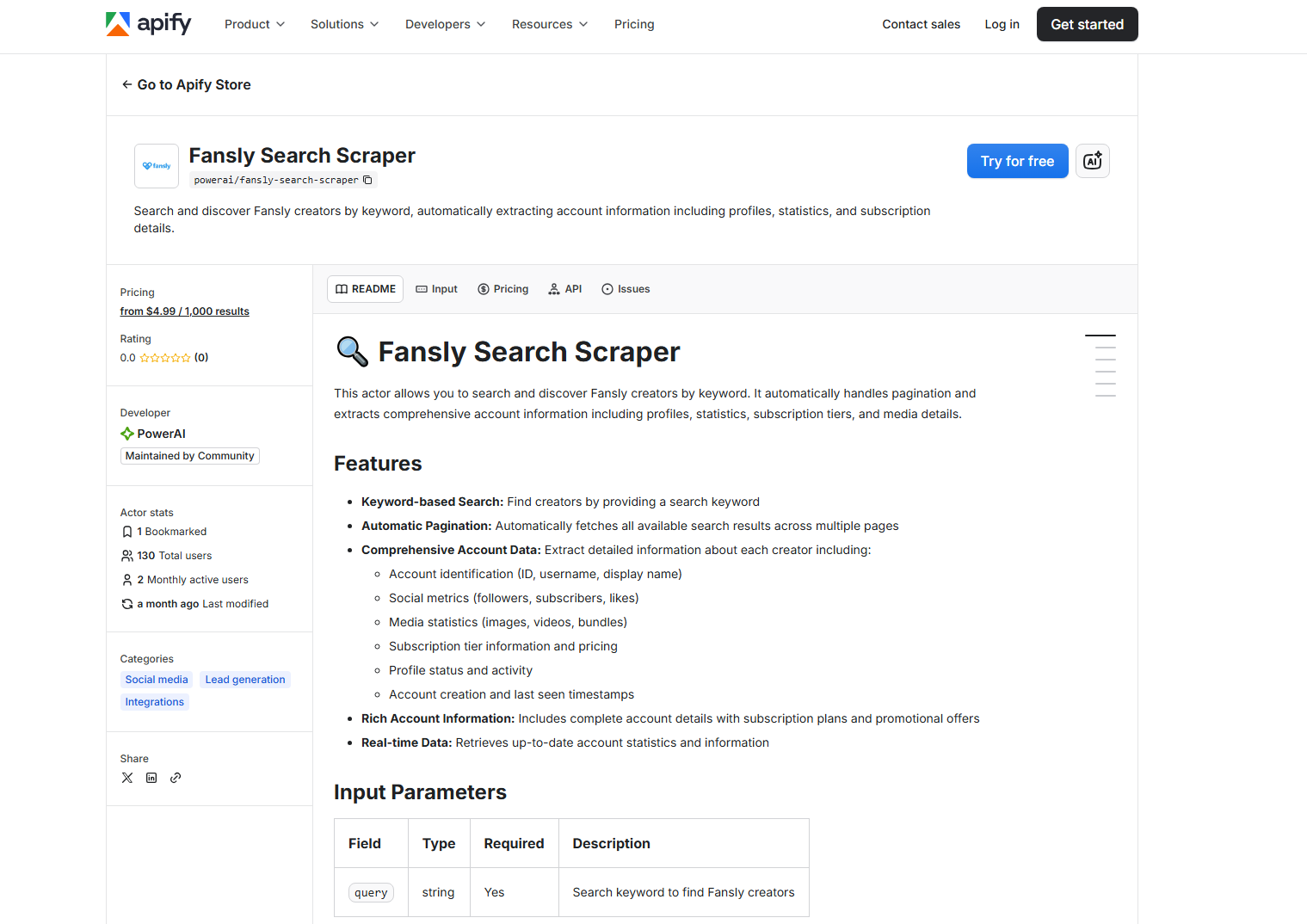
1.4 Scraper-Based Tools (Advanced Users)
For more technical users, scraper-based tools (like Apify Fansly Search Scraper) can extract publicly available data from Fansly profiles. These tools are often used for research or bulk data collection.
Key features:
- Extract profile data and metadata
- Automate large-scale searches
- Support bulk operations
Best use case:
Ideal for developers, marketers, or researchers who need structured data from multiple profiles.
Limitations:
They require technical knowledge and only work with public data. They are not designed for casual browsing.
2. Bonus: Batch Download Fansly Media with Fansget
While most Fansly viewers and finders focus on browsing or discovery, they often fall short when it comes to downloading content efficiently. This is where a dedicated tool like Fansget becomes useful.
Fansget is designed specifically for downloading media from platforms like Fansly, offering a more powerful and streamlined experience compared to basic viewer tools.
Key features of Fansget:
- Download multiple Fansly photos and videos in batches.
- Maintain original quality whenever available.
- Filter images by preferred size and format.
- Export in MP4, PNG, and other popular formats.
- Enjoy a clean, beginner-friendly interface.
Steps to Download Fansly Media in batches with Fansget:
- Start by installing Fansget on your Windows or macOS device and opening the app.
- Sign in to Fansly using the built-in browser and visit a creator profile you have access to.
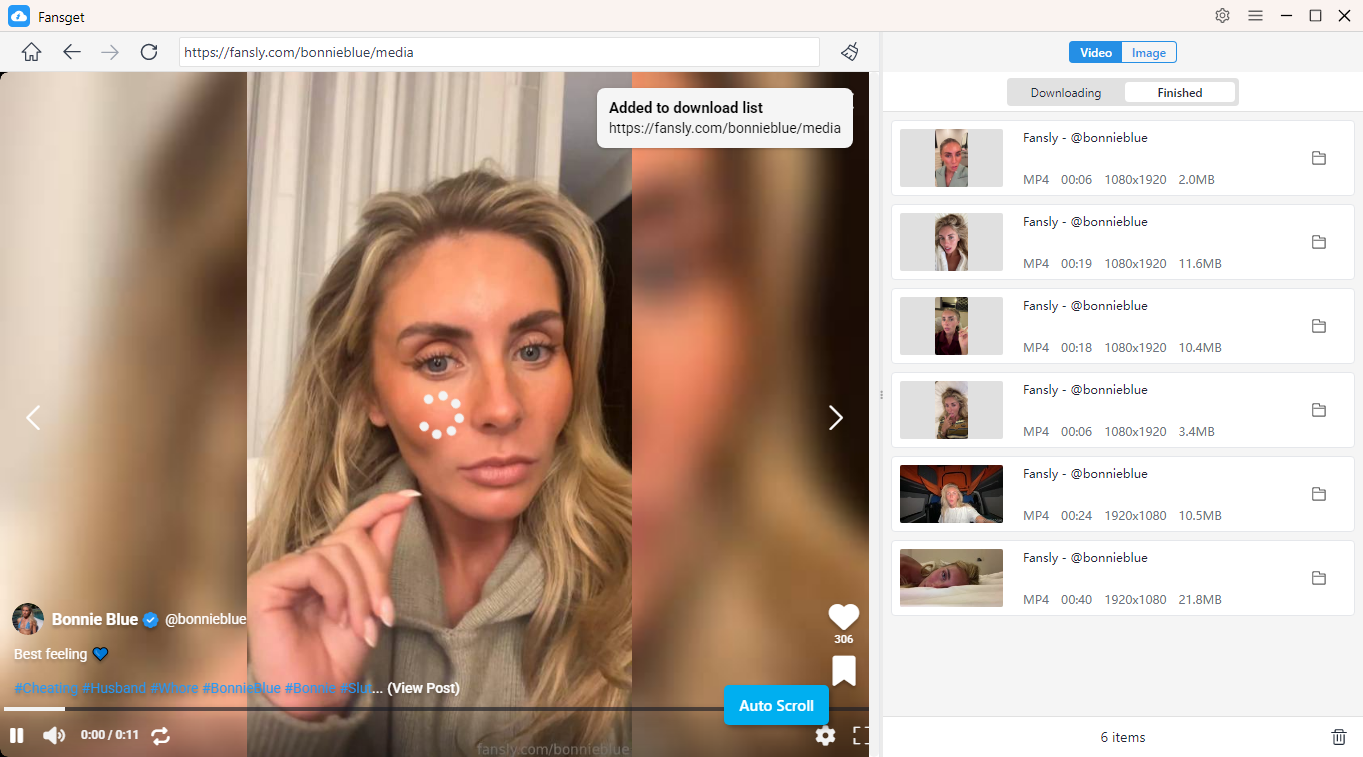
- Play any video in the “Videos” section and click download—Fansget will automatically queue and batch download videos.
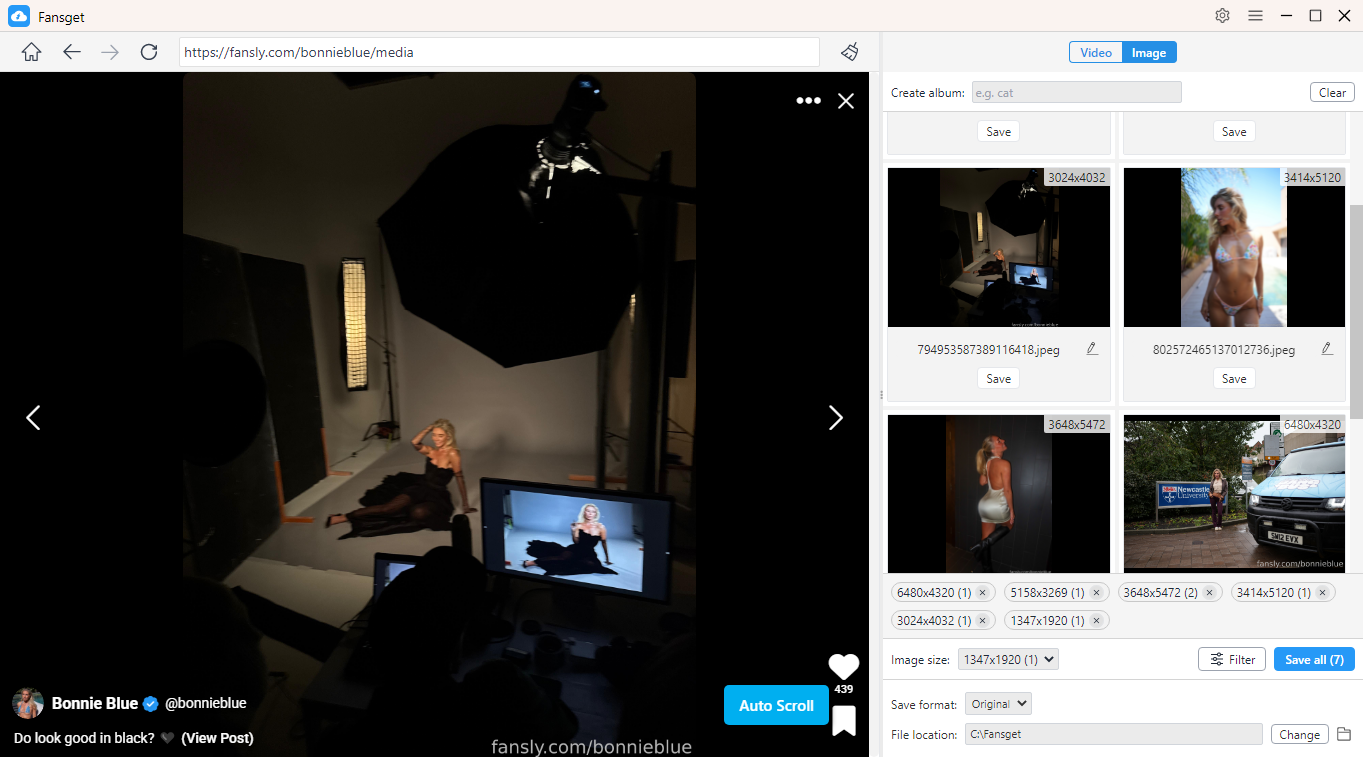
- For photos, simply let Fansget scan the page, then select and download images in bulk from the download panel.
3. Conclusion
Fansly viewers and finders can be helpful tools for exploring the platform, discovering new creators, and browsing public content anonymously. However, it’s important to understand their limitations. Most free tools only work with publicly available data and cannot reliably access premium content.
If your goal is discovery, finder tools and basic viewers can get the job done. But if you’re looking for a more powerful solution—especially for saving media efficiently—then a dedicated tool is the better choice.
For users who want a faster, more reliable way to download and manage Fansly content, Fansget stands out as a strong recommendation. With its batch downloading capabilities and user-friendly design, it offers a practical upgrade over traditional viewer tools.